That is too eaay a fix to fight with AI over.
1 Like
It takes a special character to make a boring / bargain bin car look cool.
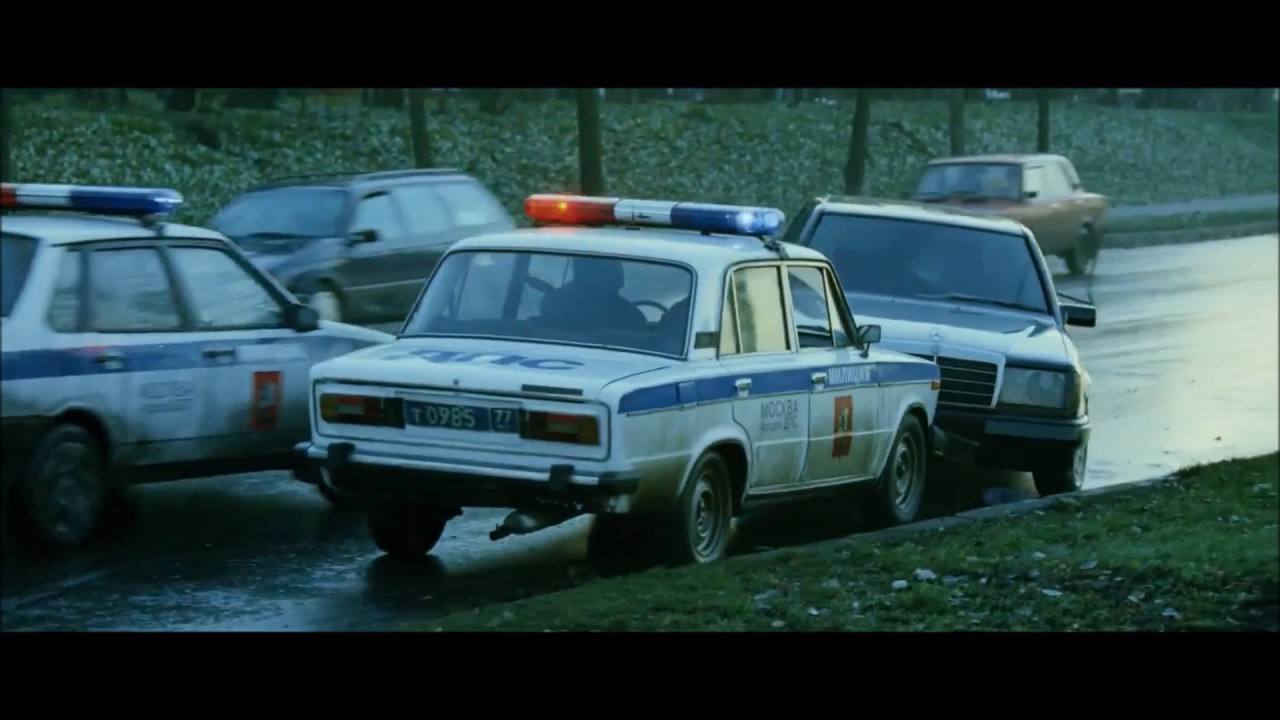
I think the camera crew had too much caffeine.
2 Likes
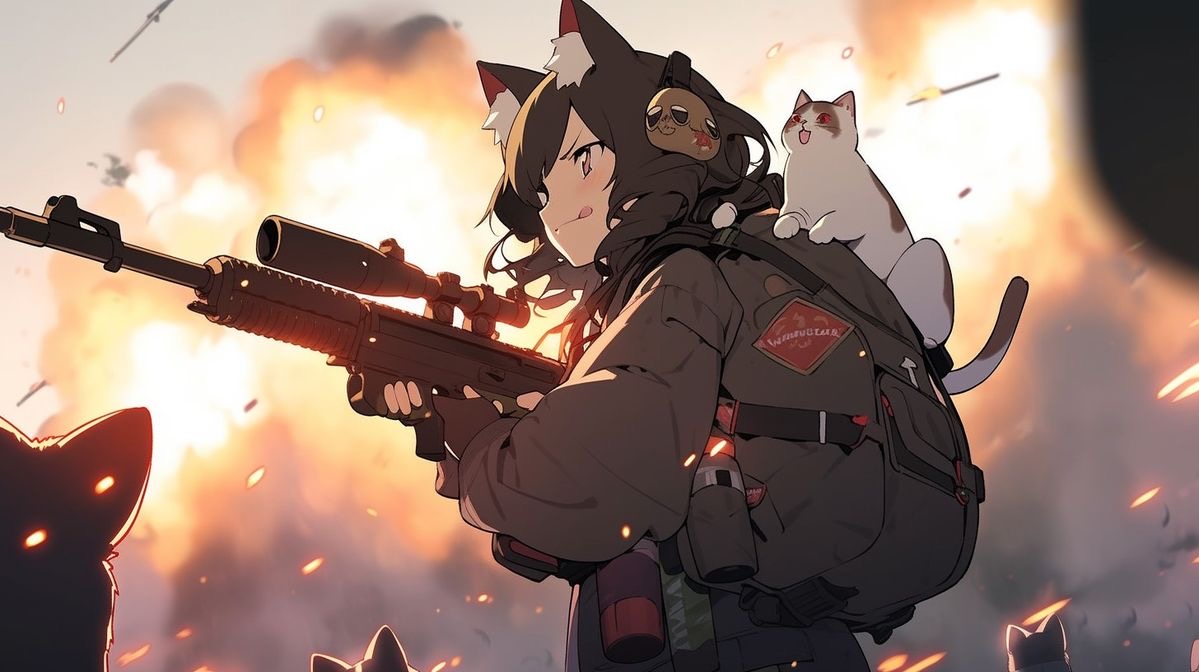
Okay, SD 0.9 is actually really cool.
In other news, Dream put my favorite presets behind the paywall. Sigh.
With nano friends, we did a little game of nanolympics (or rather, this weekend was part one). A reimagined book cover for Arabian Nights was one of the challenges. What a good excuse to play with AI again.
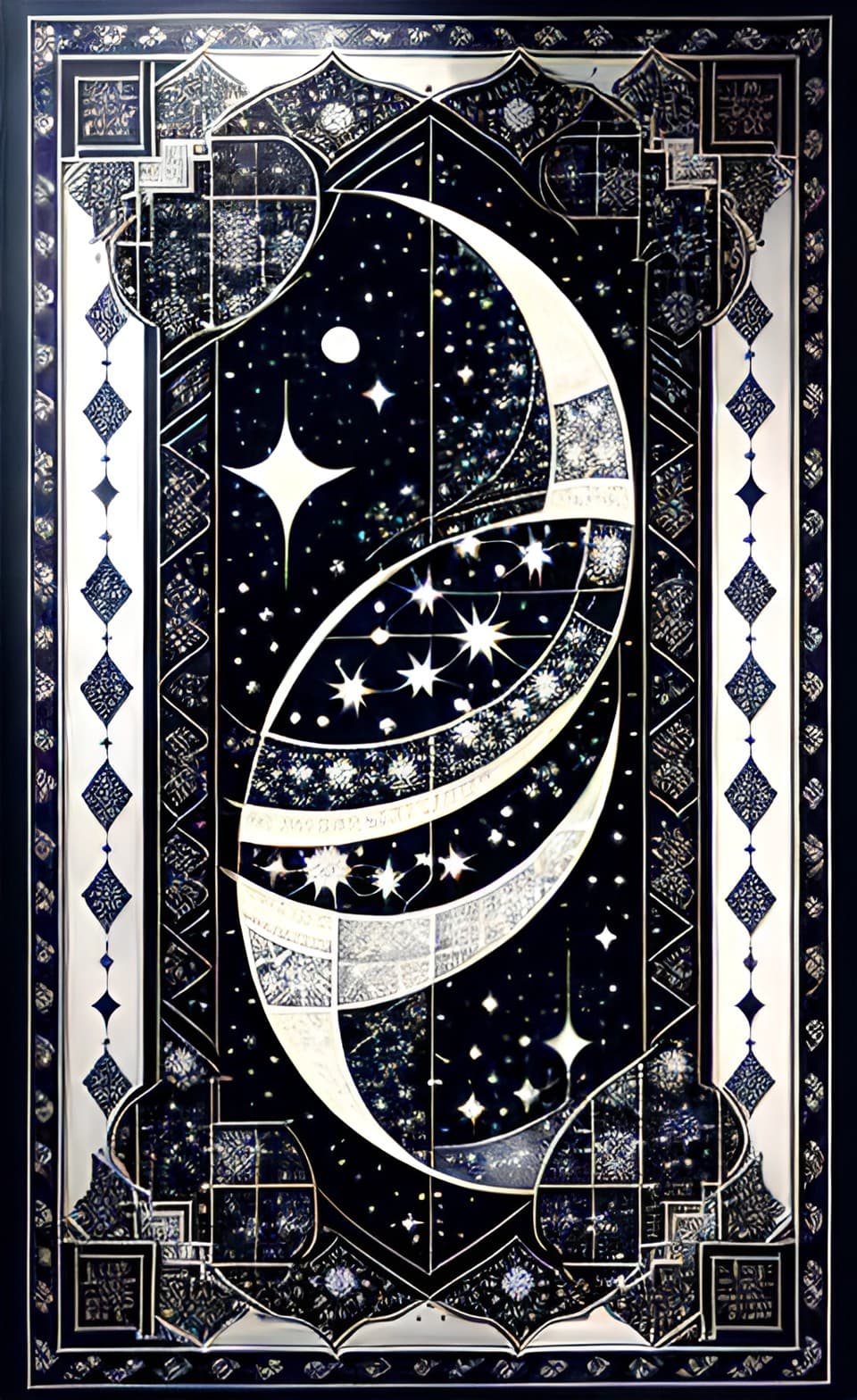
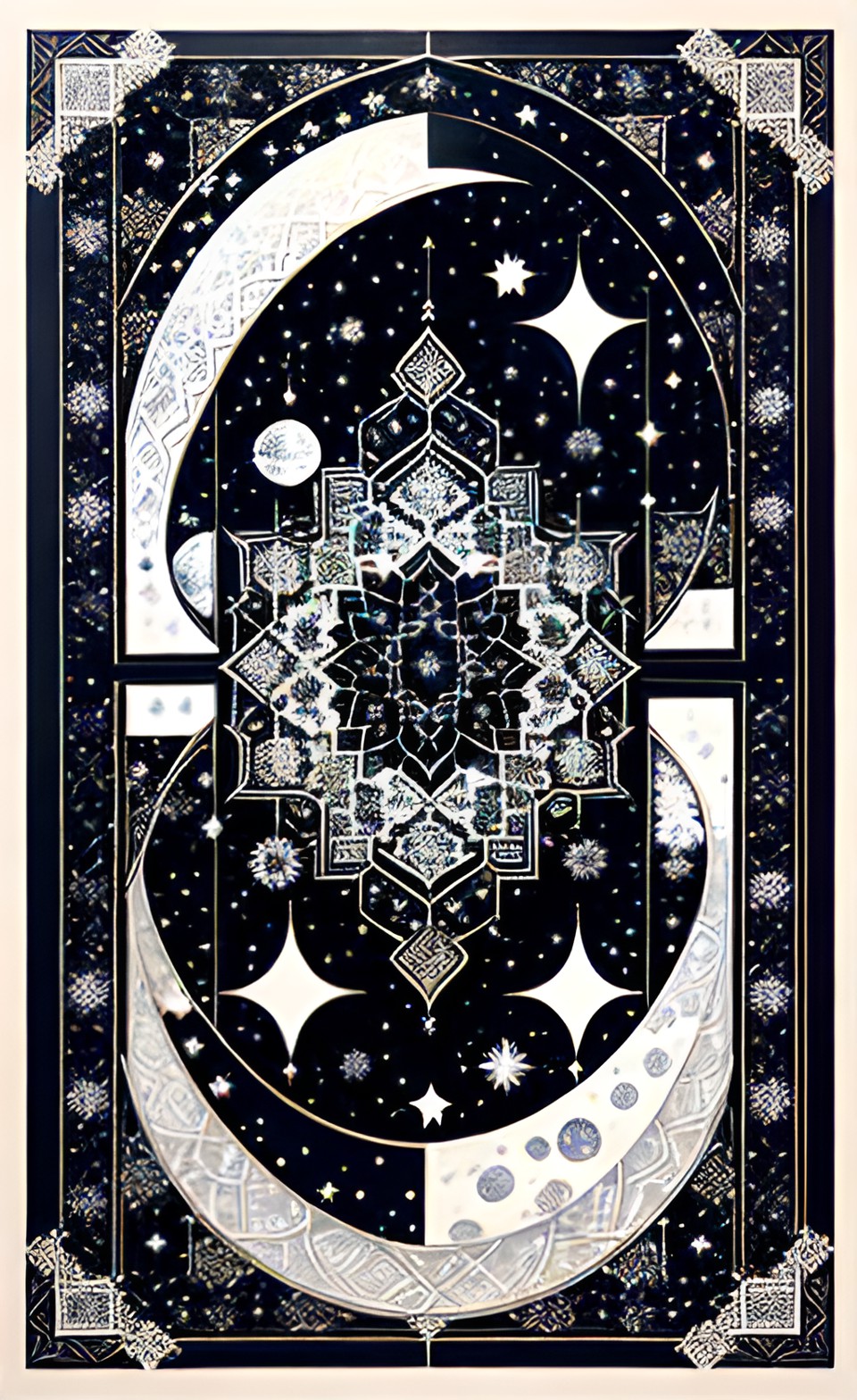
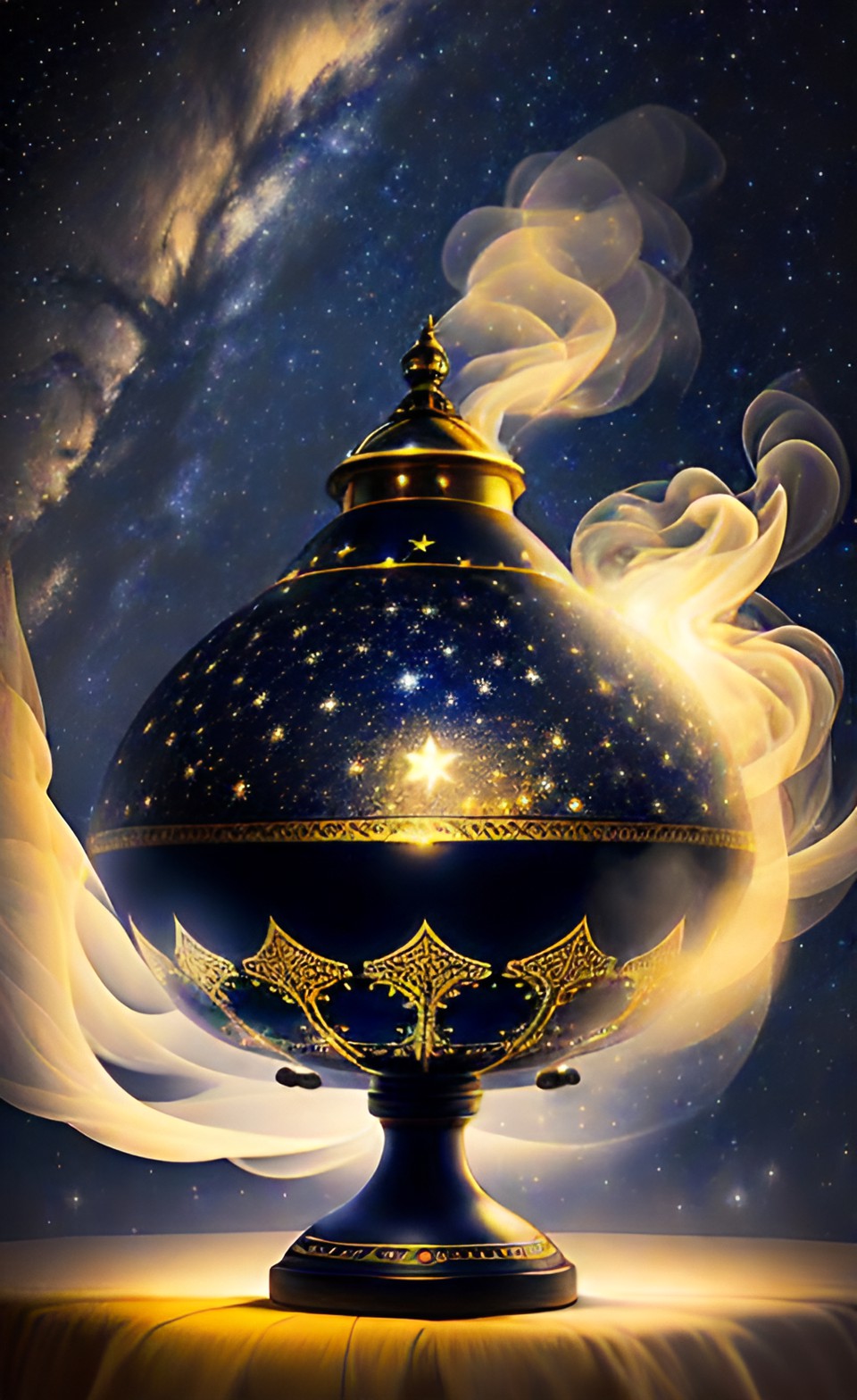
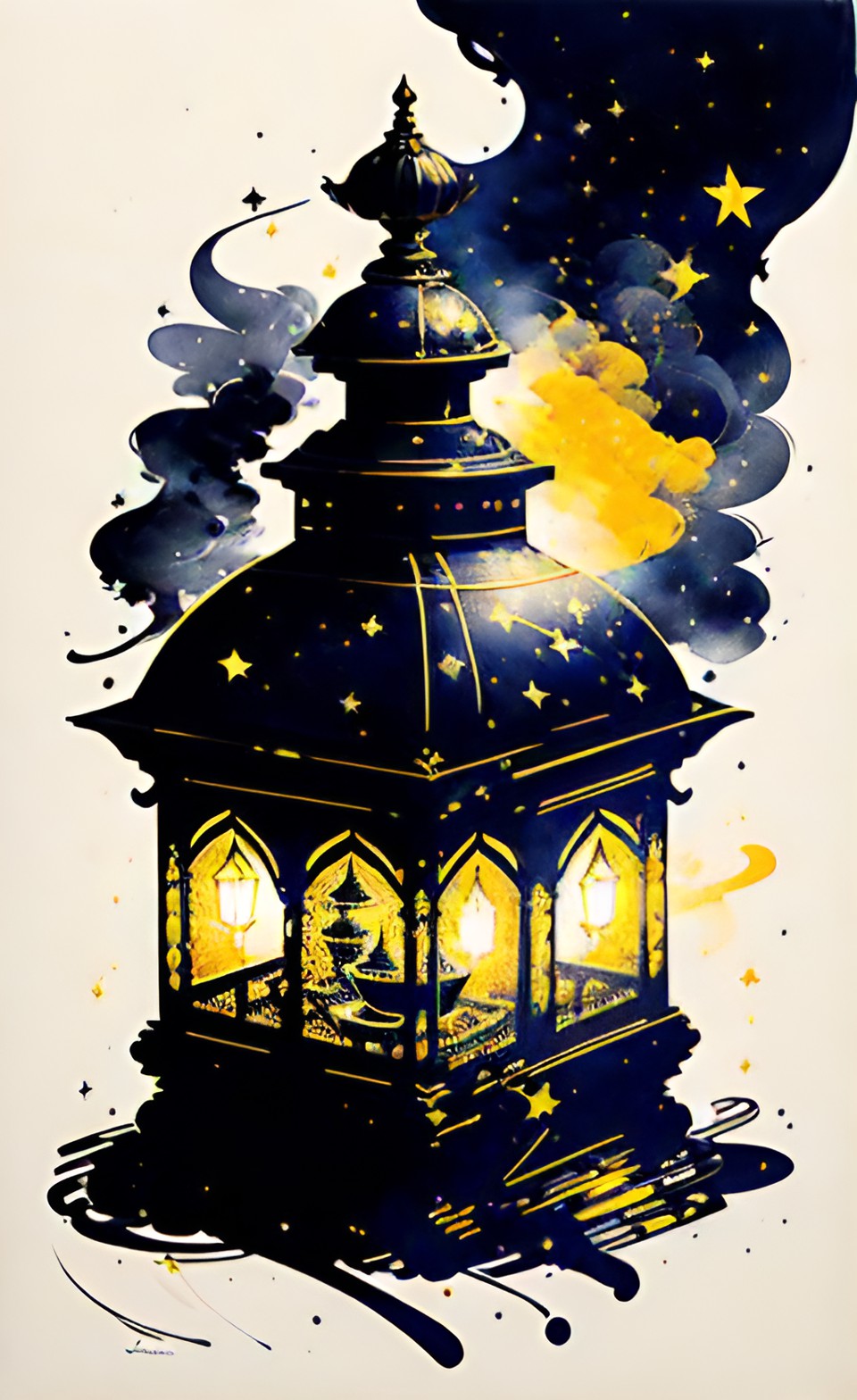
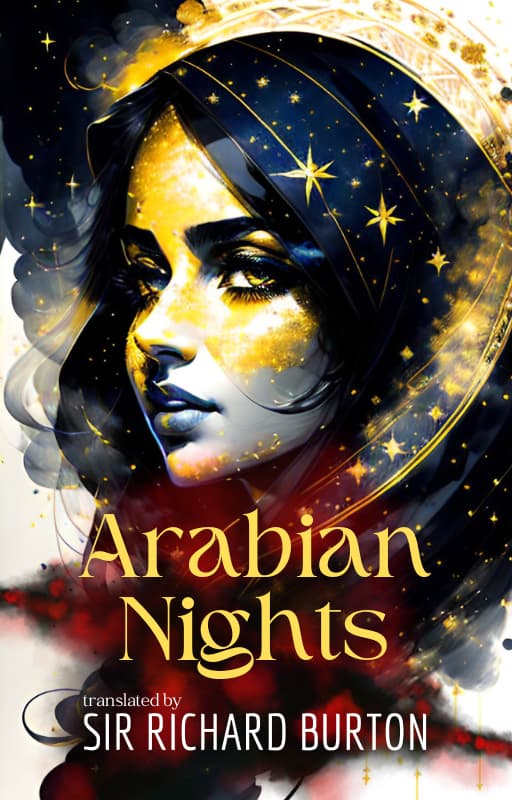
That annoyed me as well. Ah well, I’ve got tons to edit, for now. Only will be an issue when I need specifics, in the future.
1 Like
The latest paywalls on Dream have motivated me to finally dish out some money for AI because I’m annoyed that I can’t get what I want from it and I can afford it, I guess.
But since I’m going to spend money on it, I figured I might as well go for the goods so I got Midjourney. Lots has been happening with it lately so let’s see what the fuss is about.
In the past (months ago) I only played with it a little, back when the free trial was still a thing.
I started playing with it some more and omg, It’s gotten so much better.
I fell down the rabbit hole and just kept going down a more and more depressing route but these are amazing.
Ohmygosh, where do I even start.
Okay, here are a few.
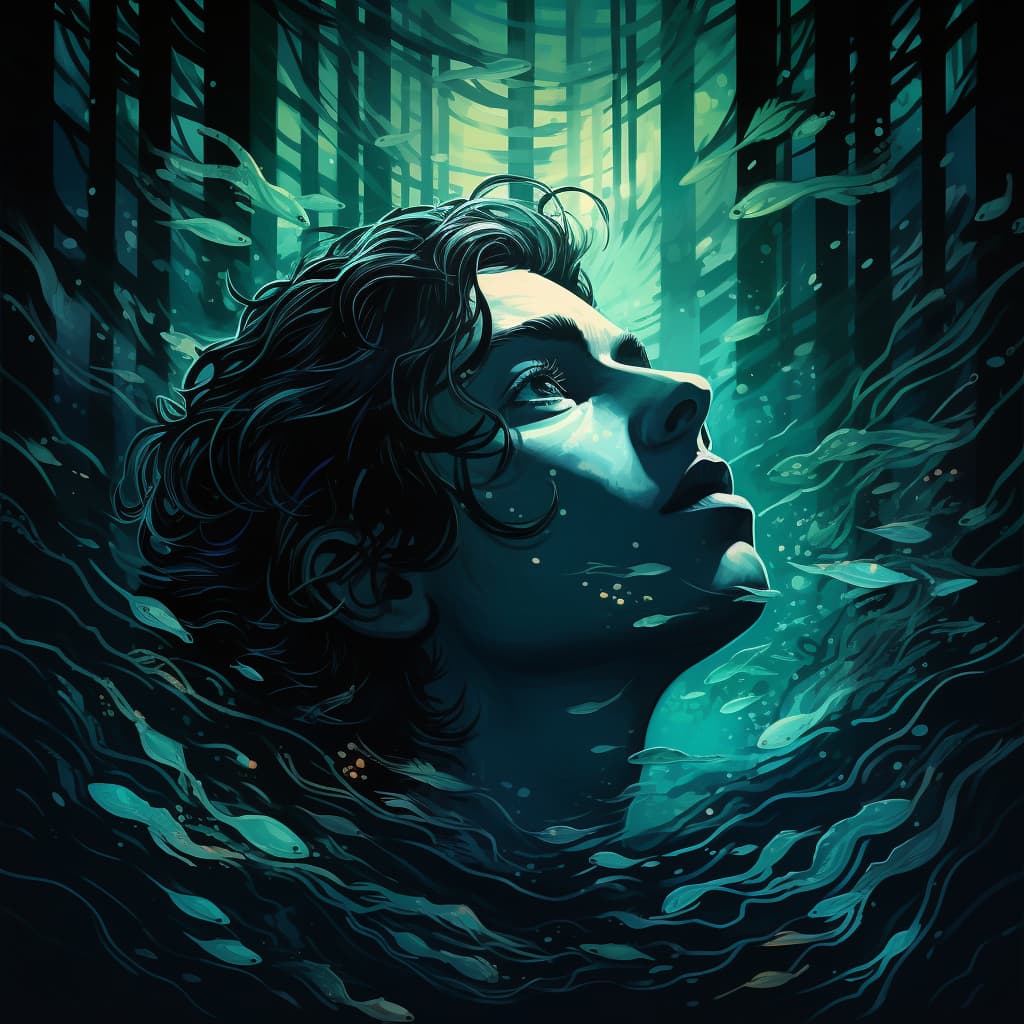
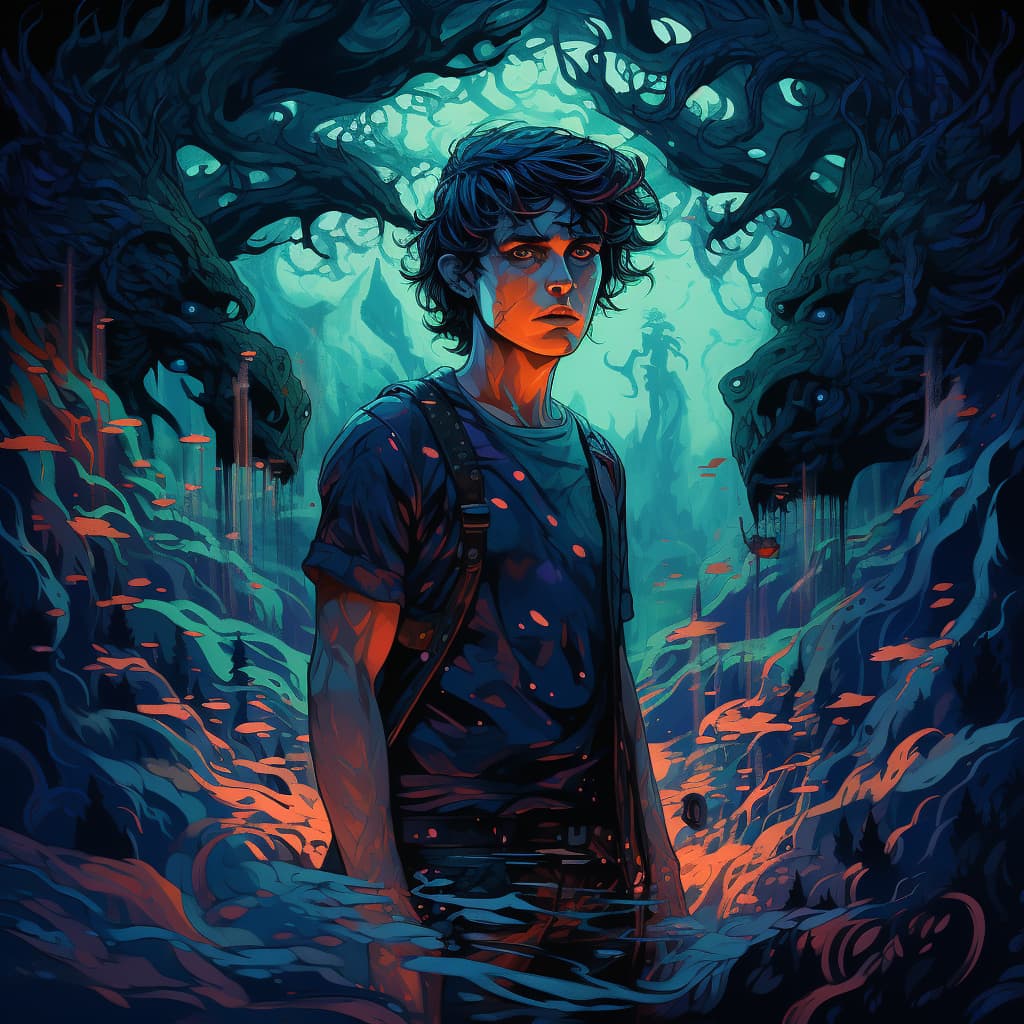
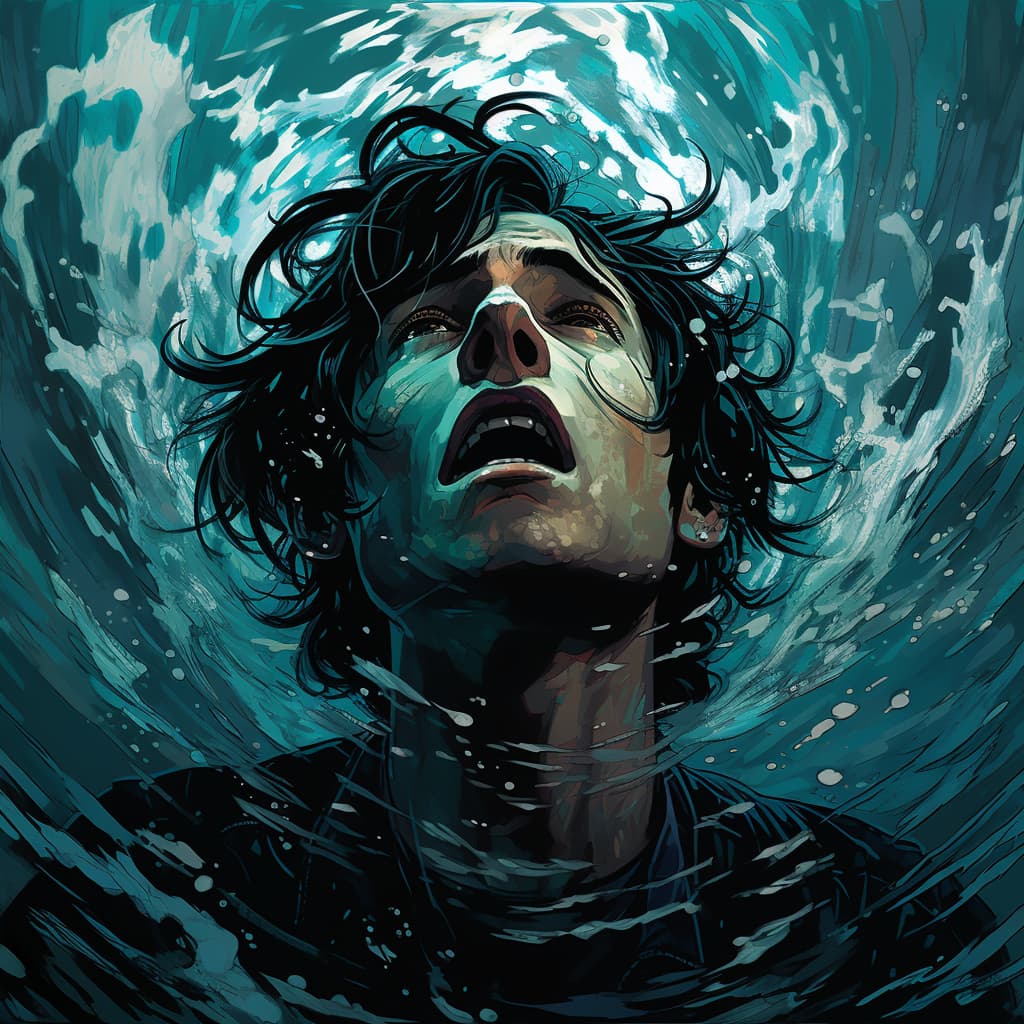
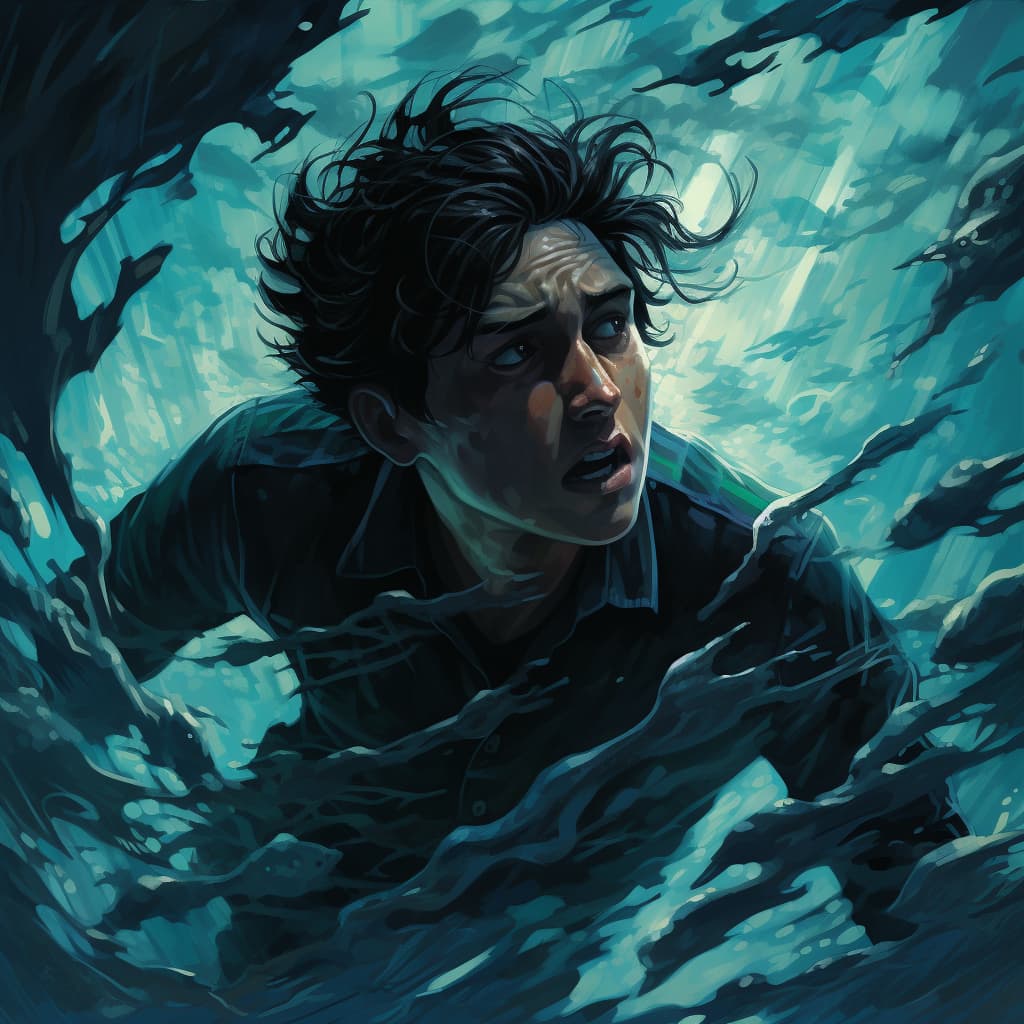
I tried using the /blend command where you can upload multiple images and it would evolve them but none of those came out as nice. They were sort of… too smoothed out? Not sure how to explain it.
So I’ll stick to prompts for now.
How long will 200 credits last me? lol Now that’s a question.
1 Like
kept any of them and their sources?
Yeah. I’ve installed MJ on my personal server so I can organize generations into threads and don’t have to worry about my stuff getting buried by thousands of others. So I can find stuff!
I was trying to evolve my favorite image of my character (simple photorealistic portrait) and mix it with other stylized images.
So for example, I had this result.
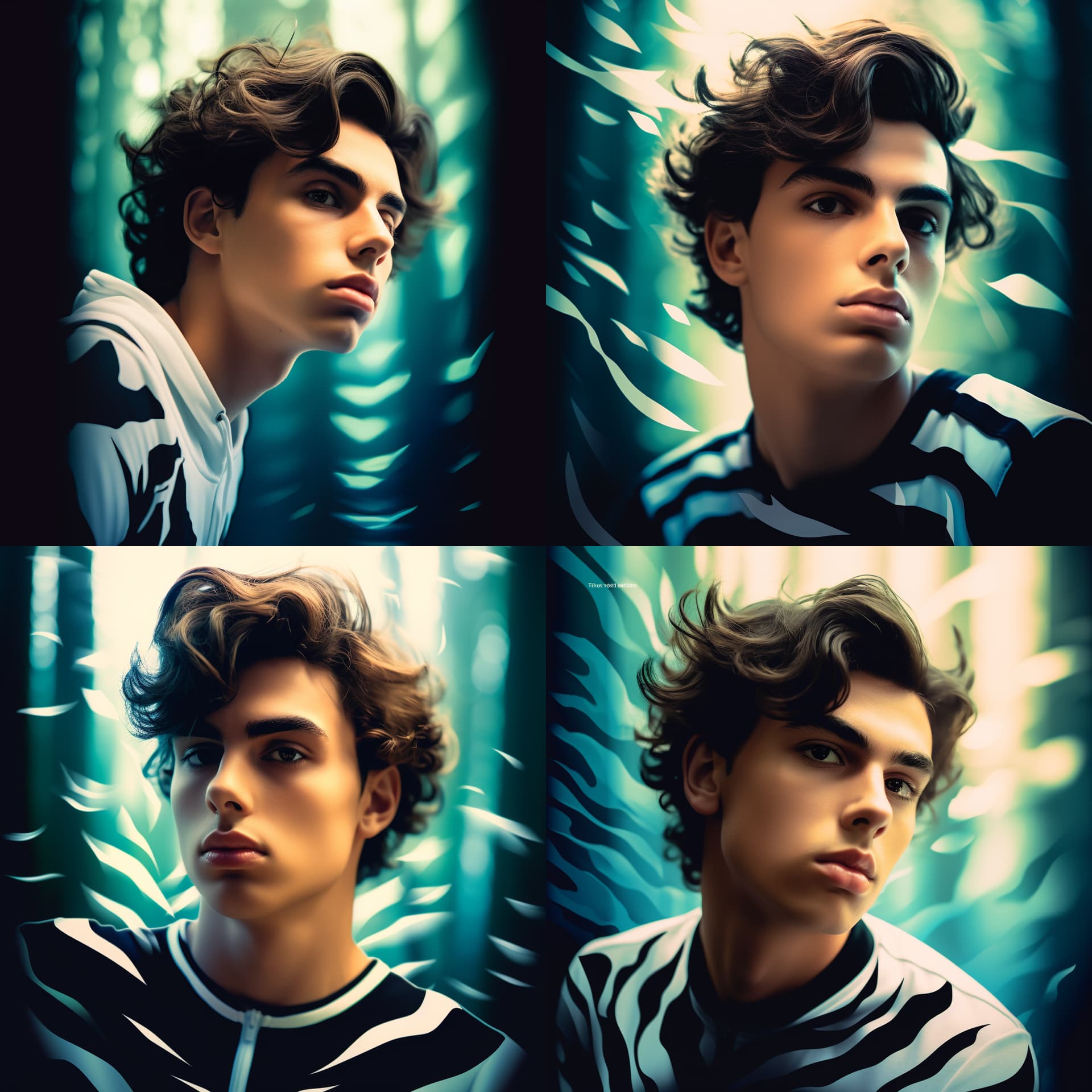
I like how consistent the results are, it looks like different angles of the same person which is awesome.
But the quality is meh.
I haven’t tried the image url + prompt method yet. It might help me style the images the way I want, but I’d have to store my images somewhere that results in that type of url. Would Pinterest work? Haven’t tried that yet.
1 Like
Ok, that makes sense. Like these would be better as headers…maybe.
I store backups of all device images on my Amazon Photos since it’s unlimited when you have prime.
It has face recognition so I’ve set up all family and friends on it.
It’s been backing up some AI images too and kept asking me who these people are so I set them up as people and…
Many characters currently have more images than my family. 
I do have to go through the old ones and weed them out.
The quality of generations has improved so much lately, I don’t need those old ones anymore.
1 Like
Like TikTok/Instagram filters. 
They’re too perfect.
I think I prefer an illustration style. It has more character to it.
1 Like
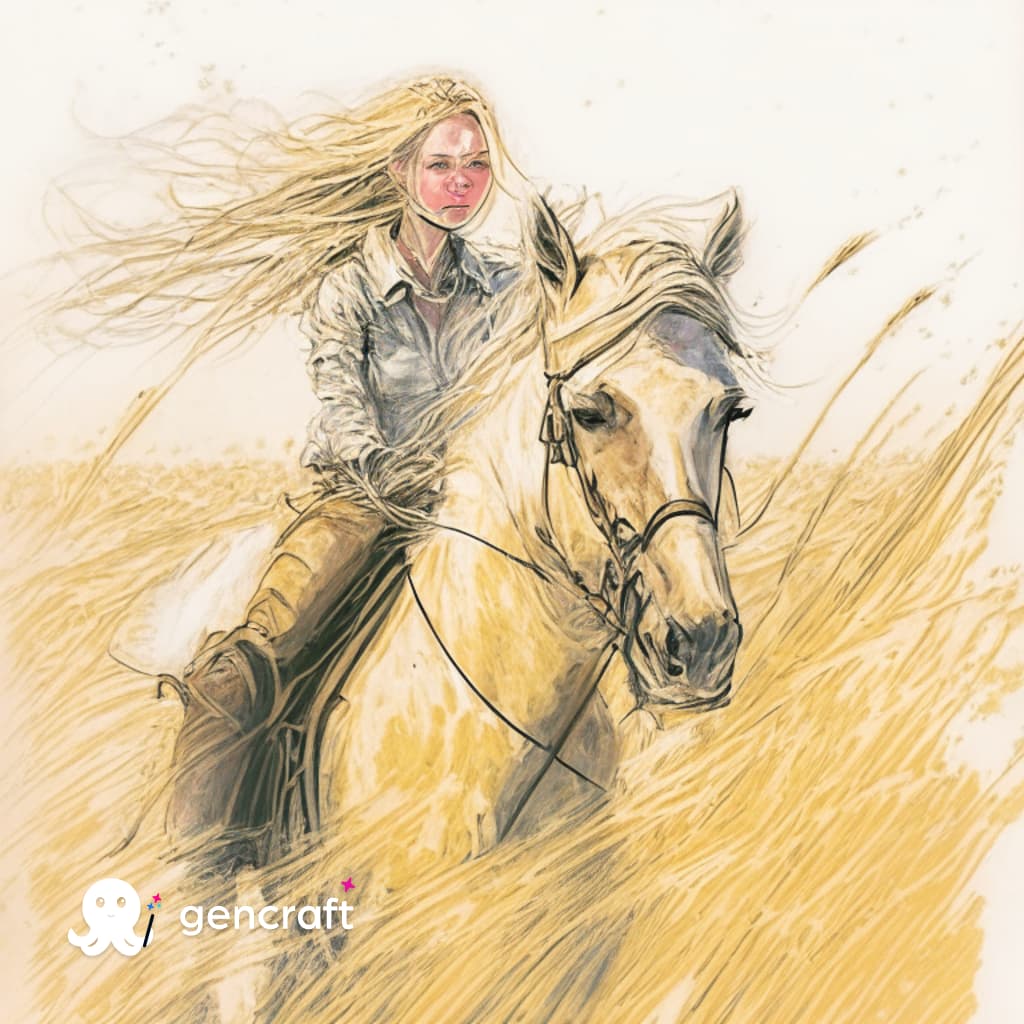
Well, I was doing a search for someone who was looking for more “end ready” but “free”, and I came across Gencraft.
Prompt was:
Dirty Blonde girl with golden skin riding a horse in a wheat field. Chose style “Watercolor”

2 Likes
Watch out if you ever test Artimator. It does poor renders, from what I’m seeing and automatically popups several pages for severe malware that made my computer insist that it was locked up.
2 Likes
I recently experimented with Stable Diffusion’s Comfy UI, and the SDXL 0.9 update, without much success. Mid Journey’s photo-realism standards are in no danger of being challenged. SDXL 0.9 also insisted on aging my characters by at least twenty years…I asked for teenage aristocratic brats, and received 30+ year old box-wine enthusiasts…
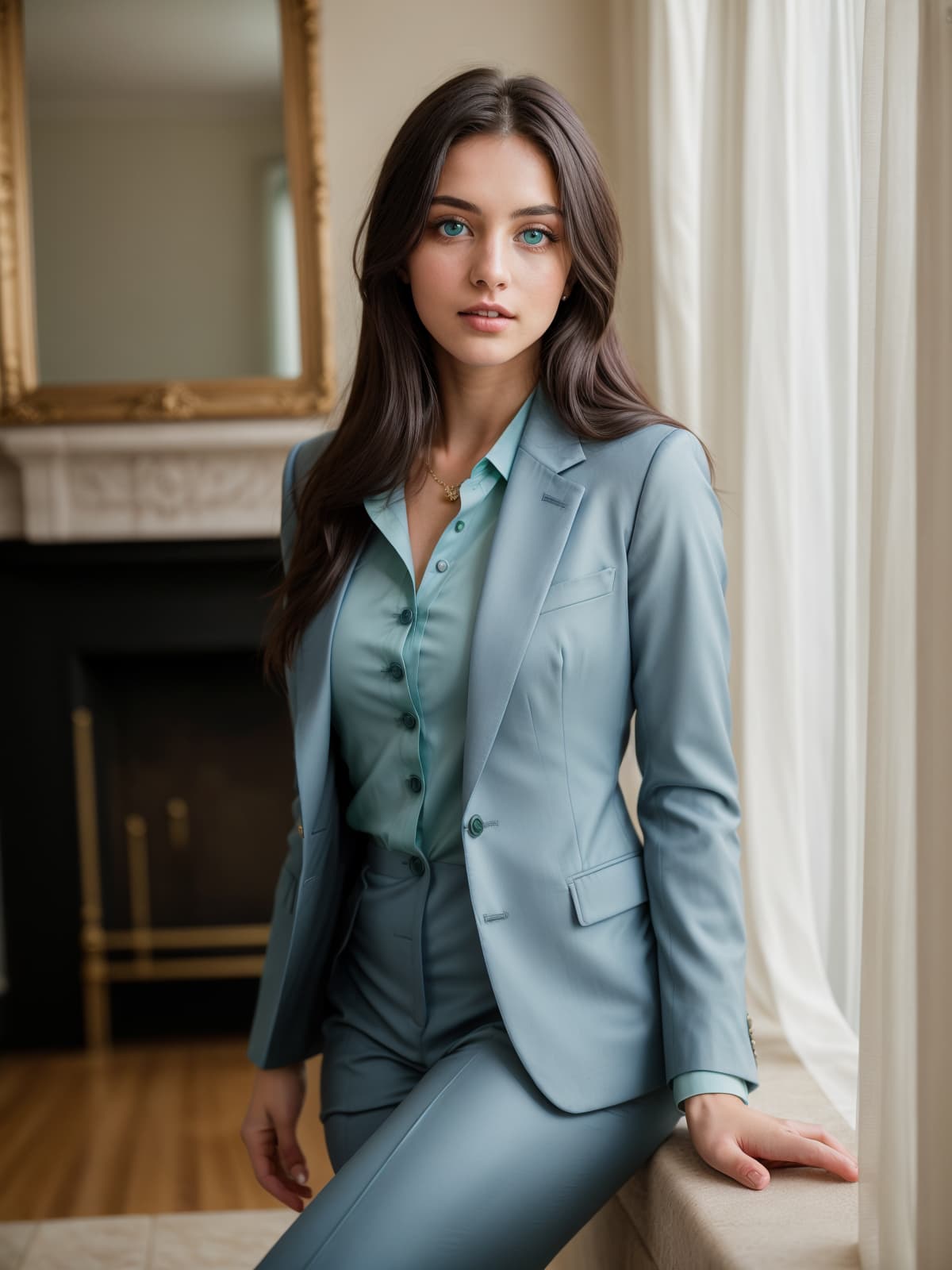
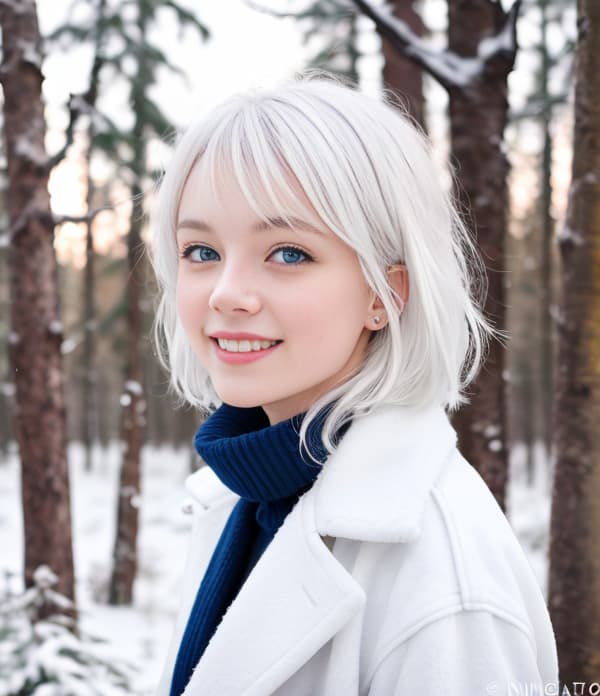
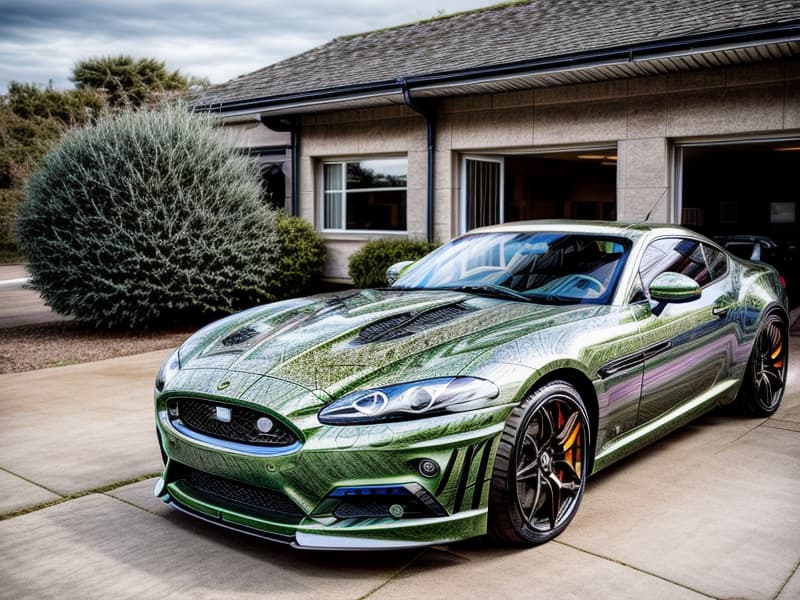
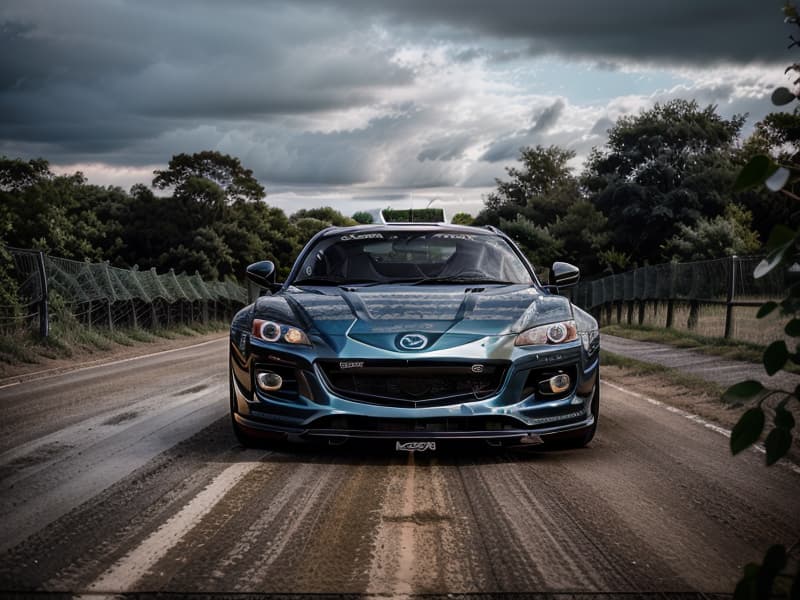
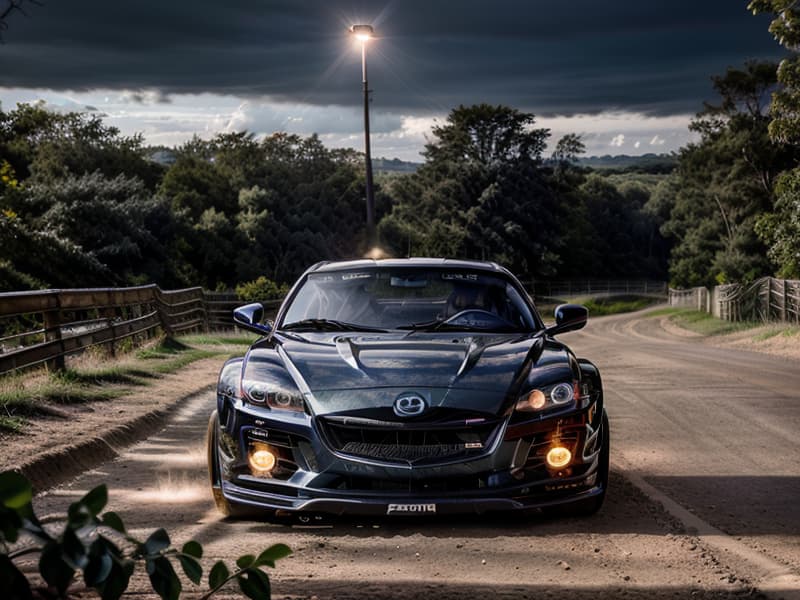
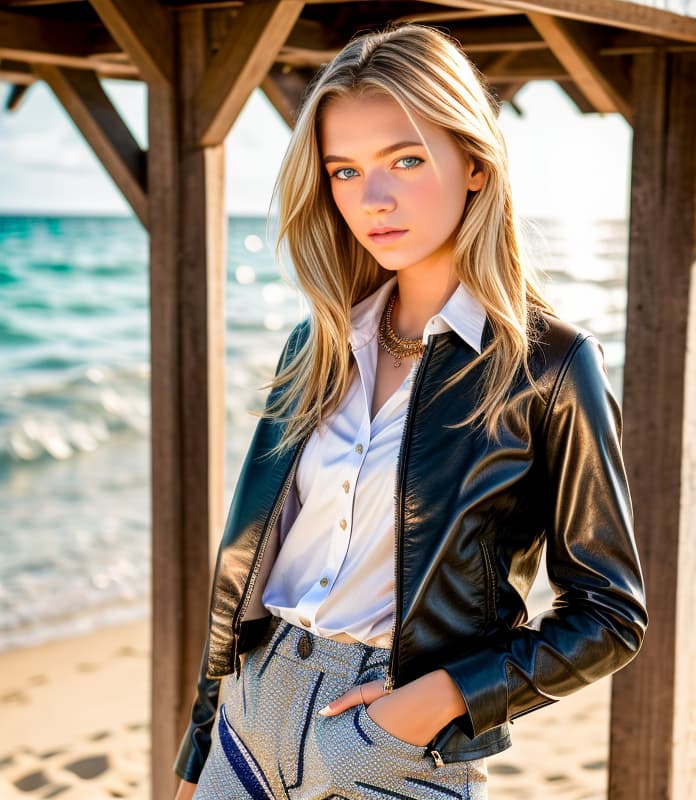
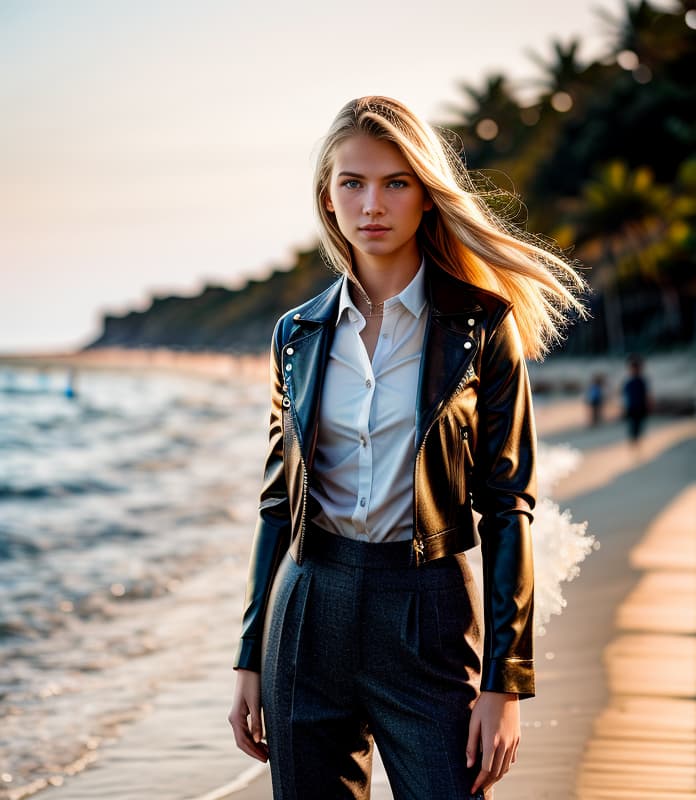
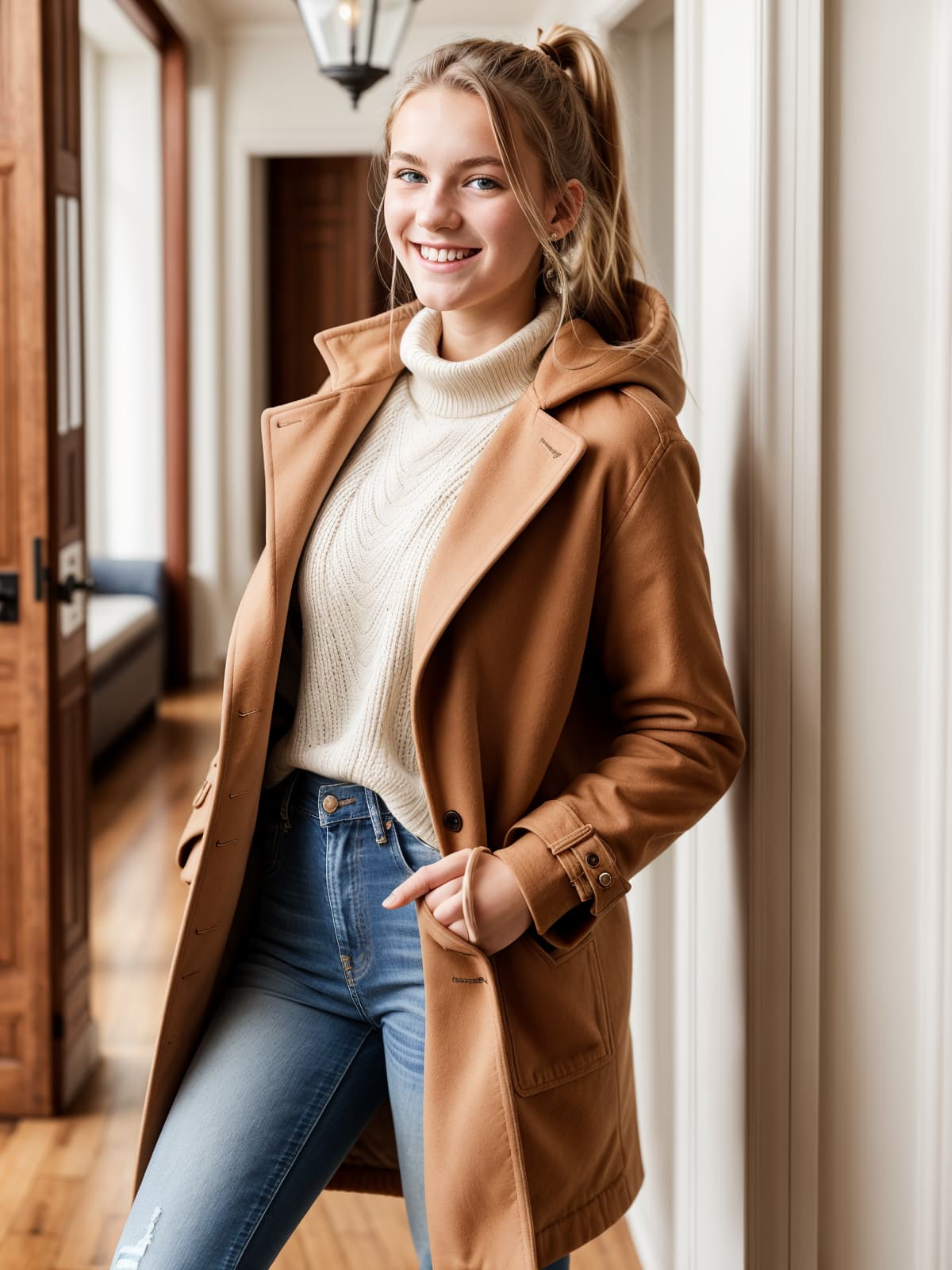
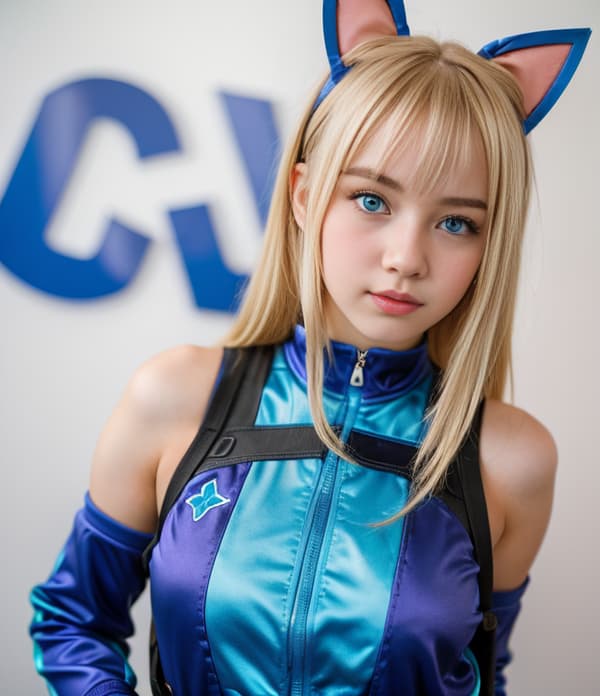
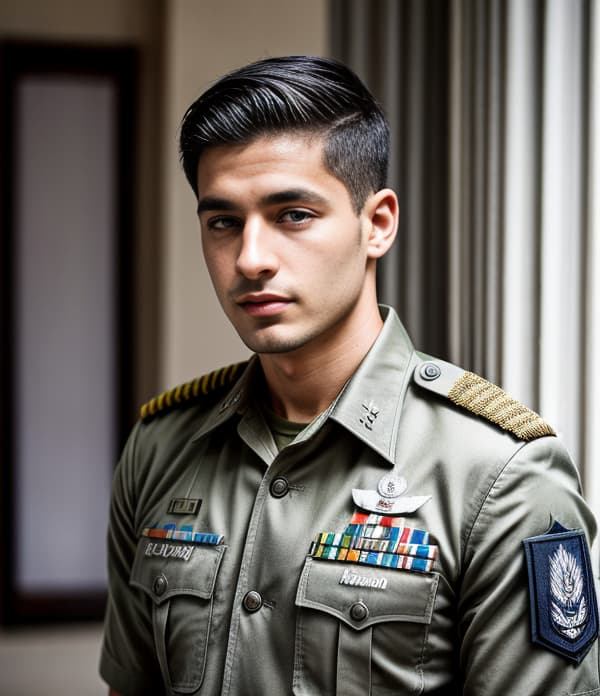
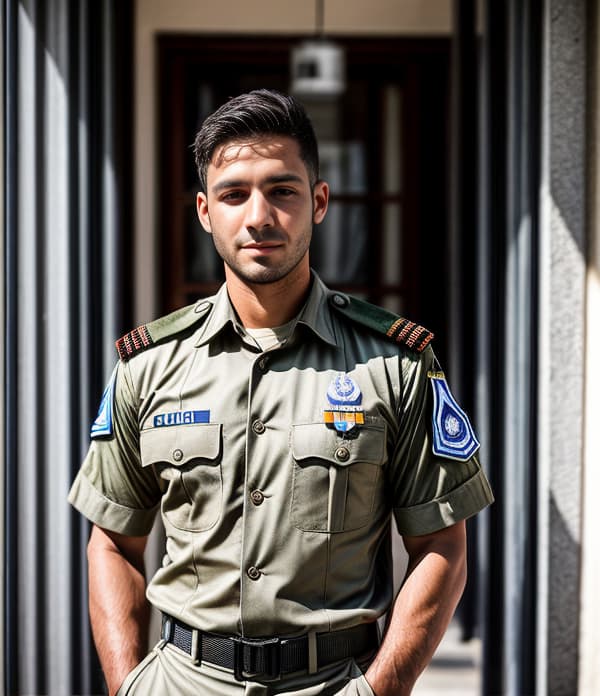
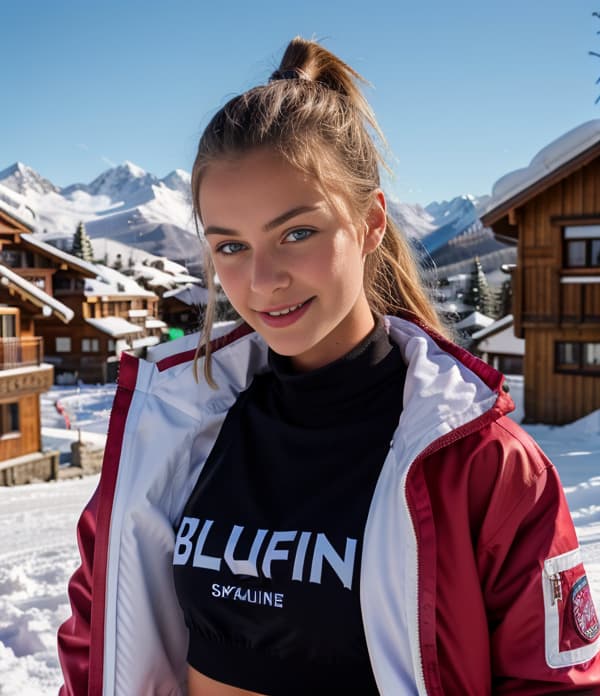
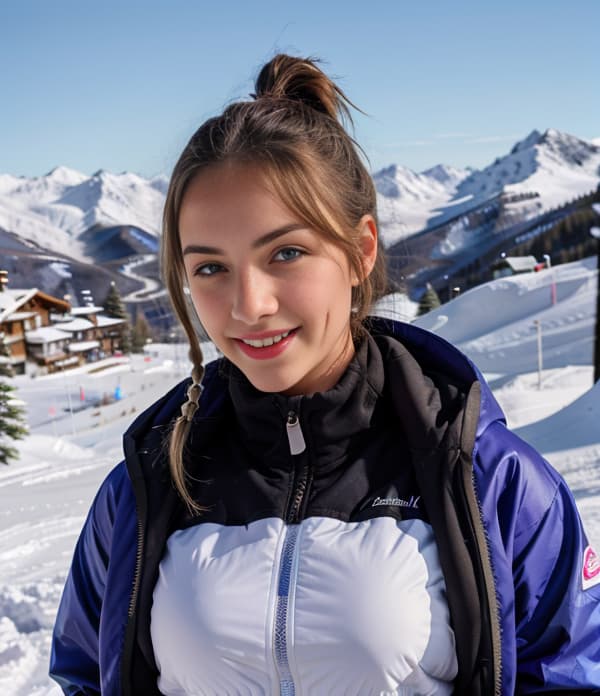
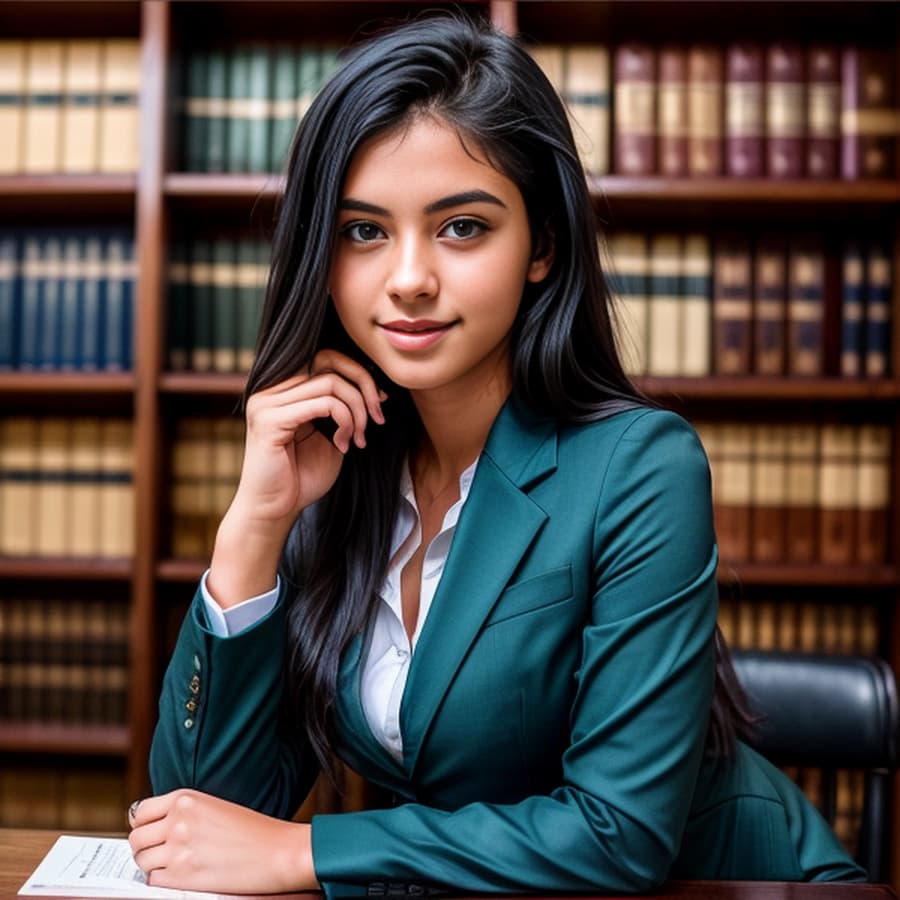
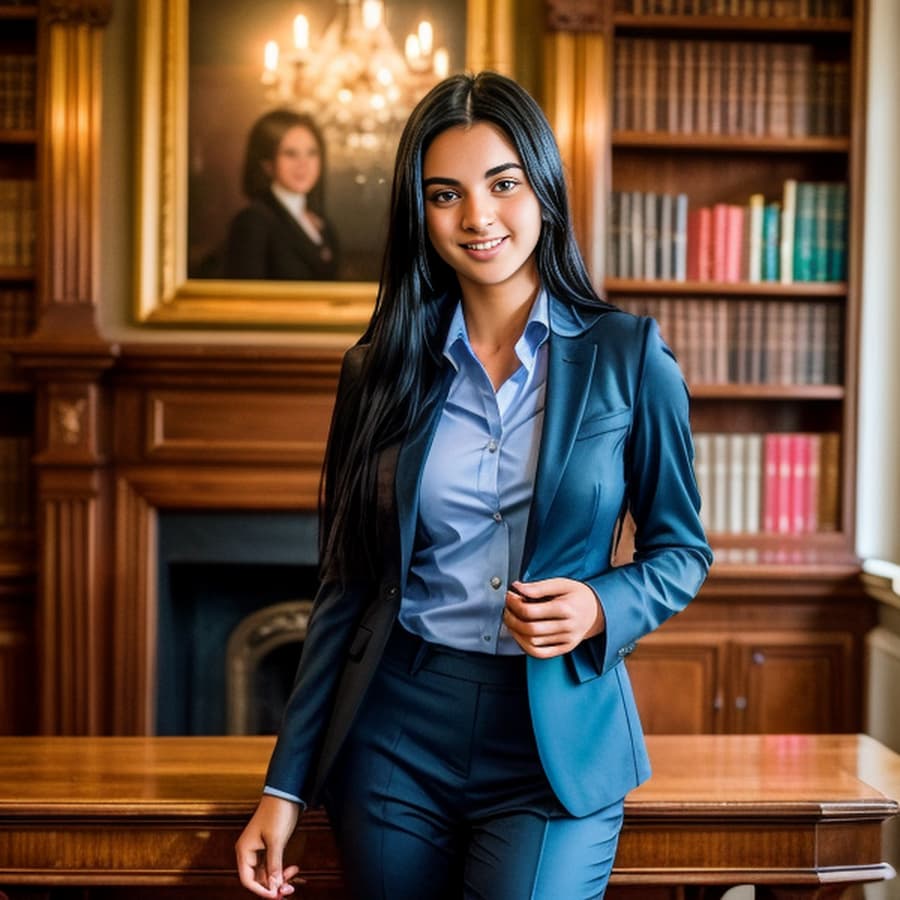
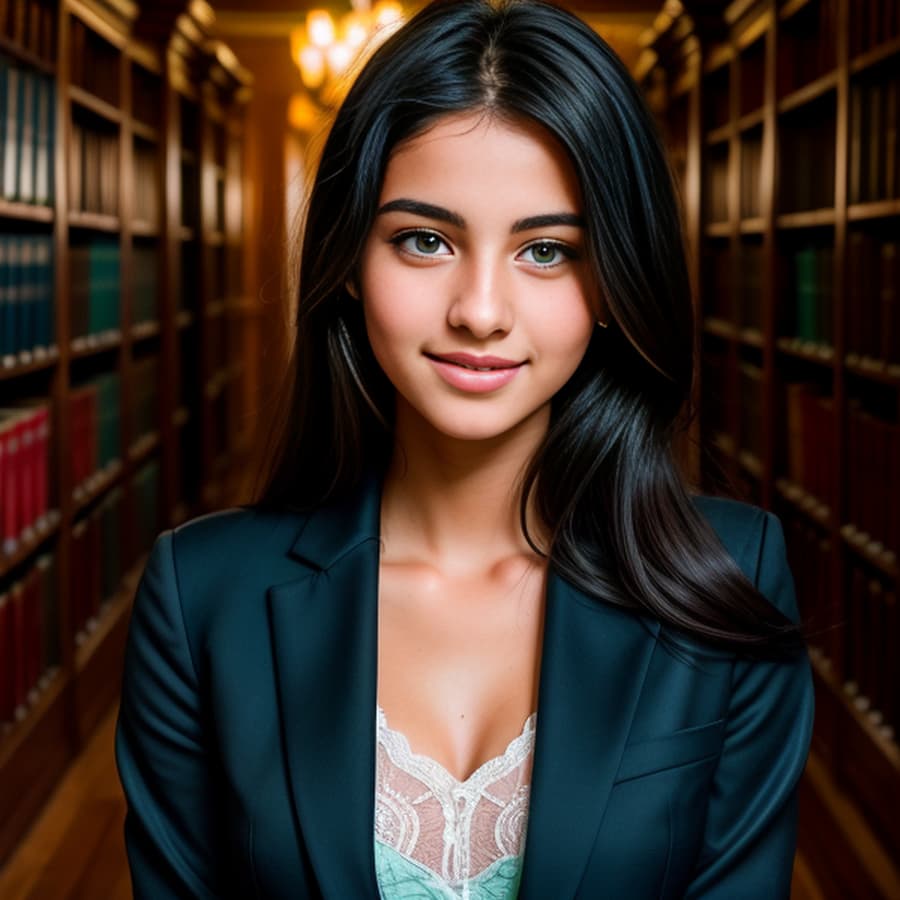
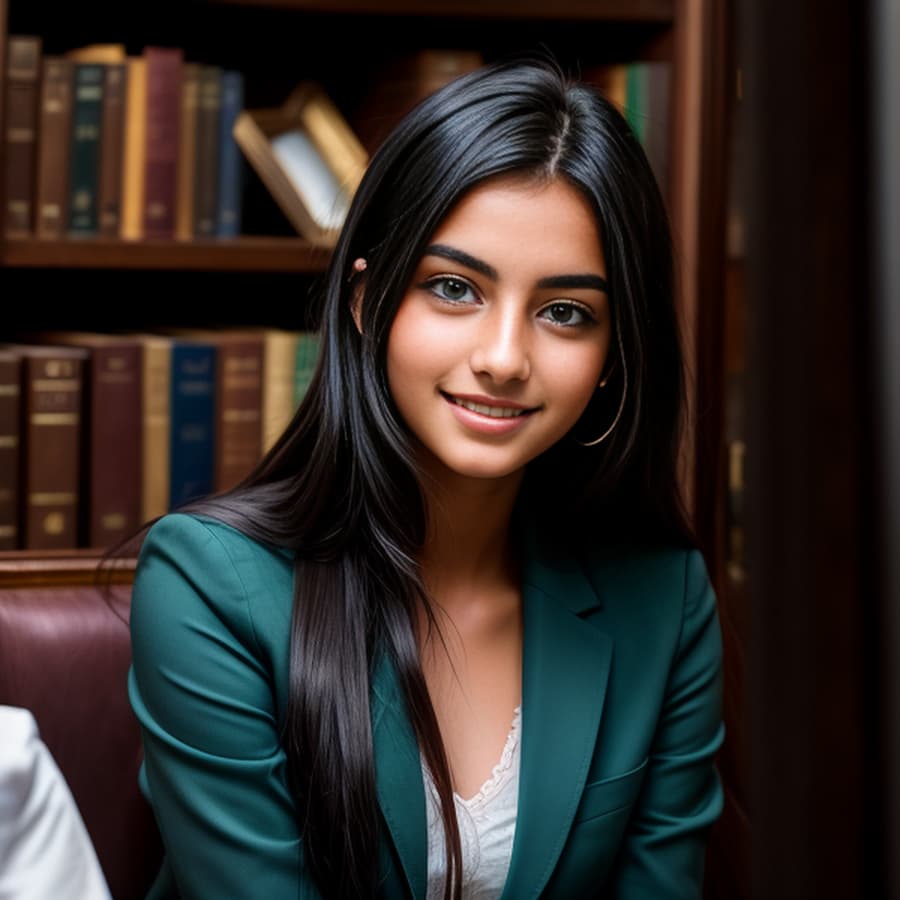
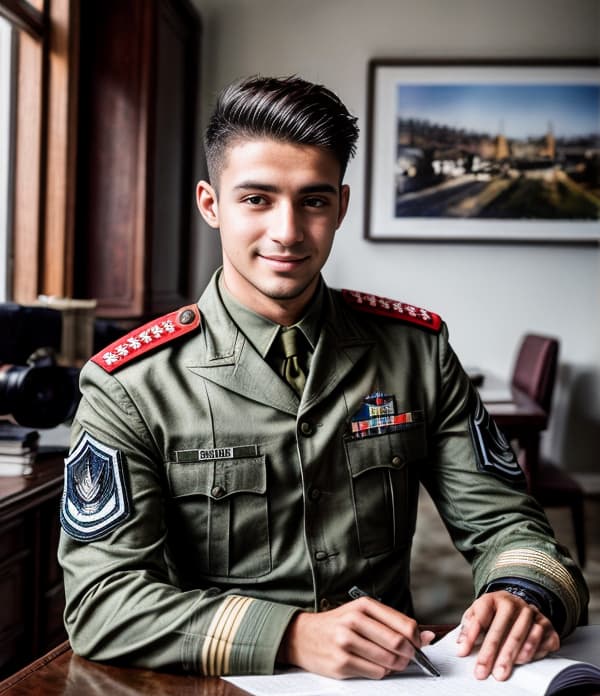
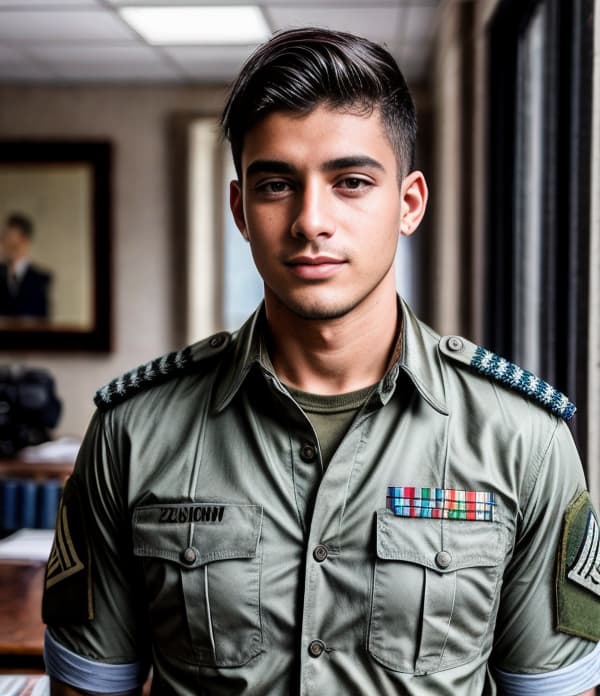
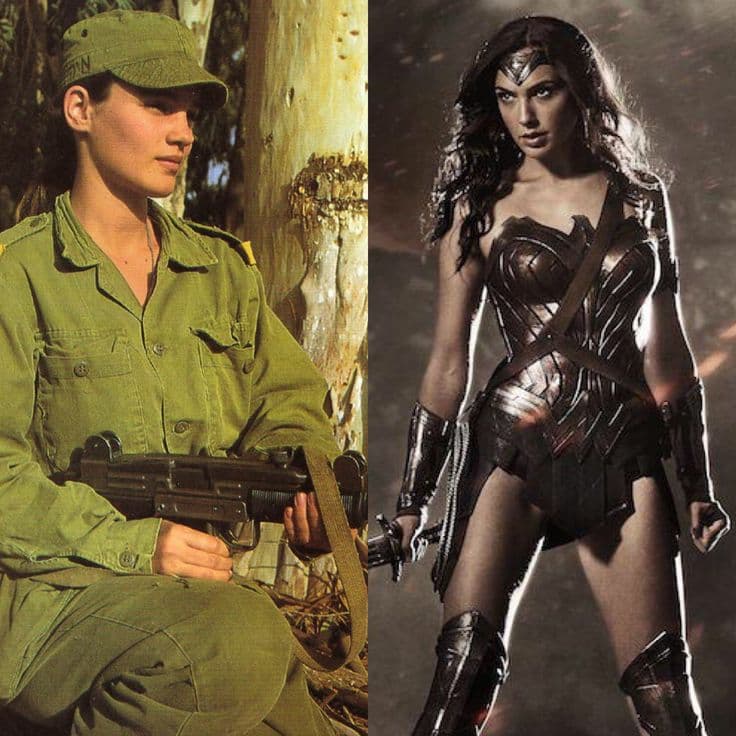
Upon reflection, Mid Journey v5 and v5.1 still reign supreme in regards to face details / clarity / aesthetics and prompt - image precision…and correct ethnicities. I doubt many Israelis have East-Asian heritage…
2 Likes
Progress with Midjourney!
For the record, using Pinterest works. It generates the right type of url. As to the image quality. I still found better results with just a prompt, but overall, prompt+image is definitely better than image+image.
It’s really difficult to generate a woman who’s over 30, at least for this prompt.
It took a lot of tries but finally I created a perfect portrait of Ian’s mom.
Meet the new and improved Serene Donovan.
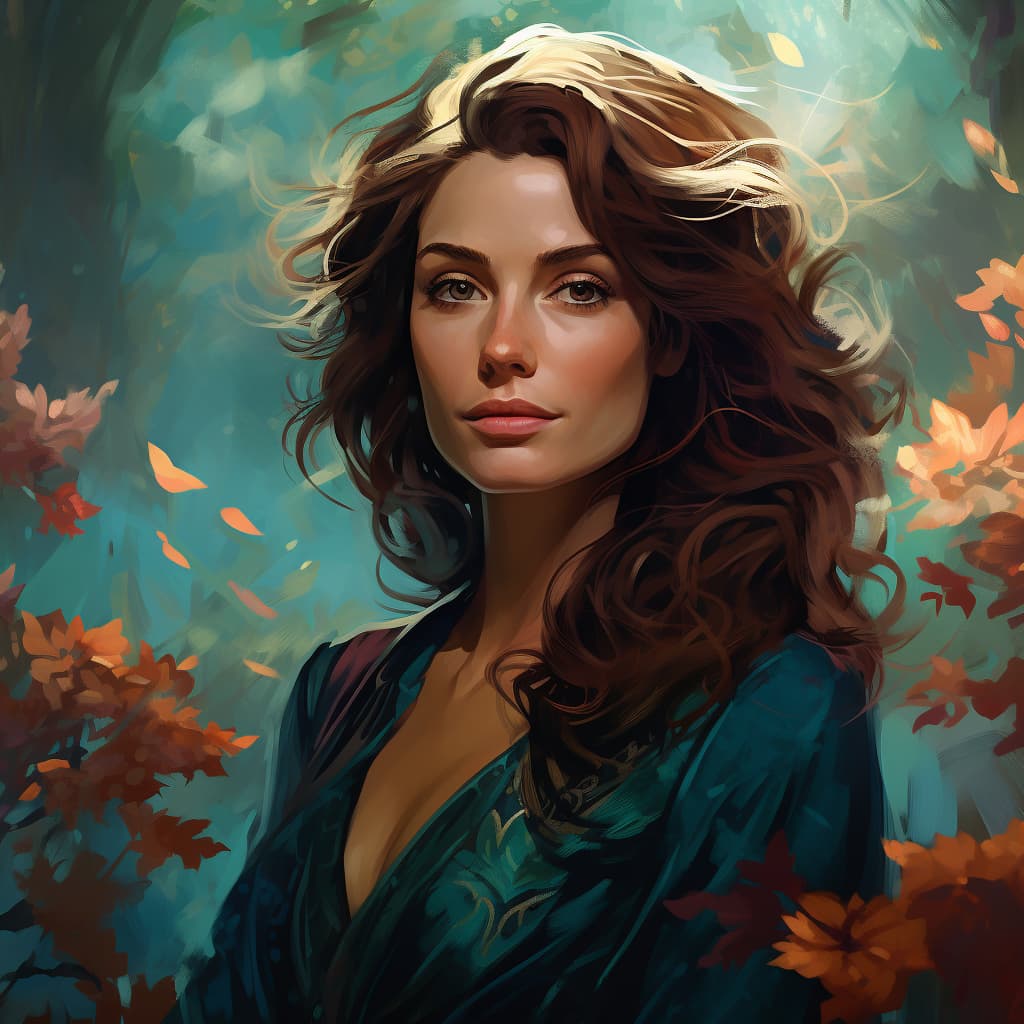
Or is that too young?
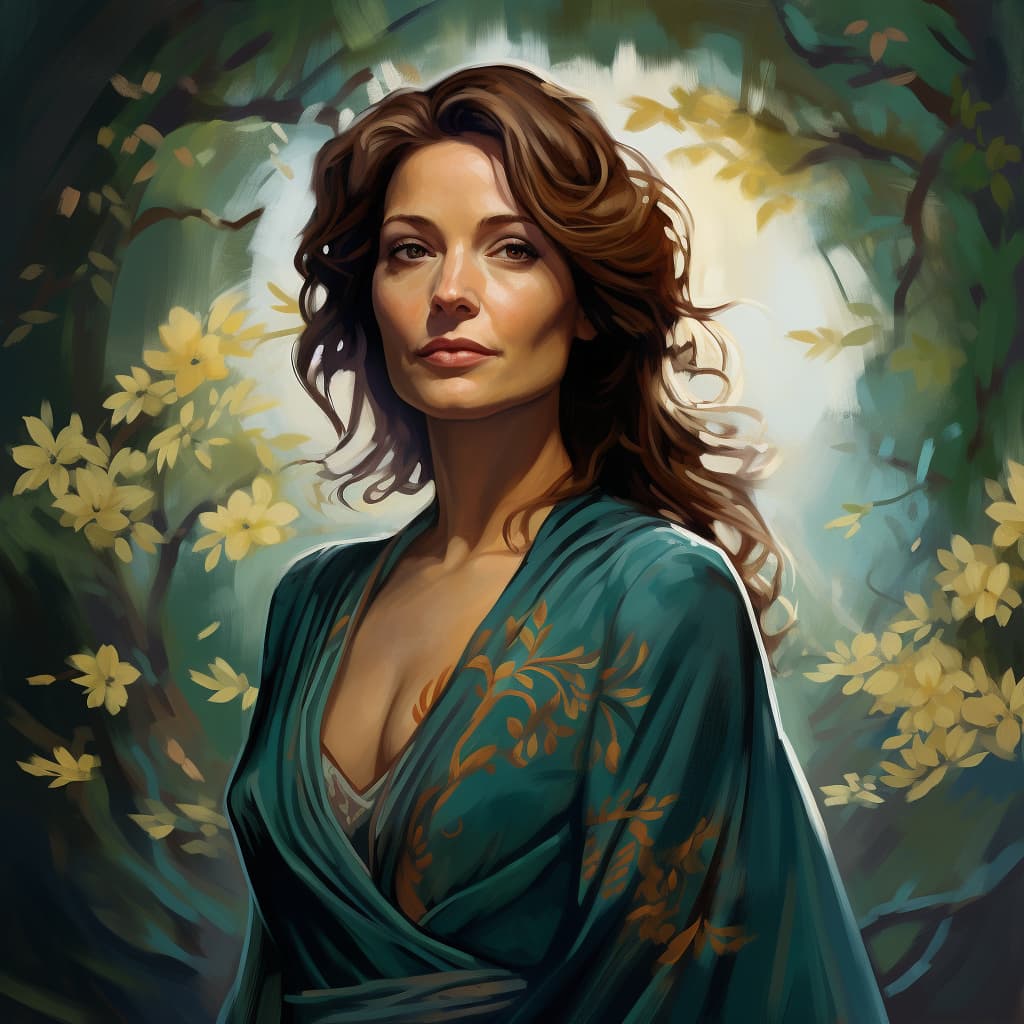
Fine. How about I add “wrinkles” to the prompt?
Damn, still gorgeous.
You know, creating real-looking people would be very cool but pretty people are just so nice to look at. Not that real people can’t be pretty, but look at her!
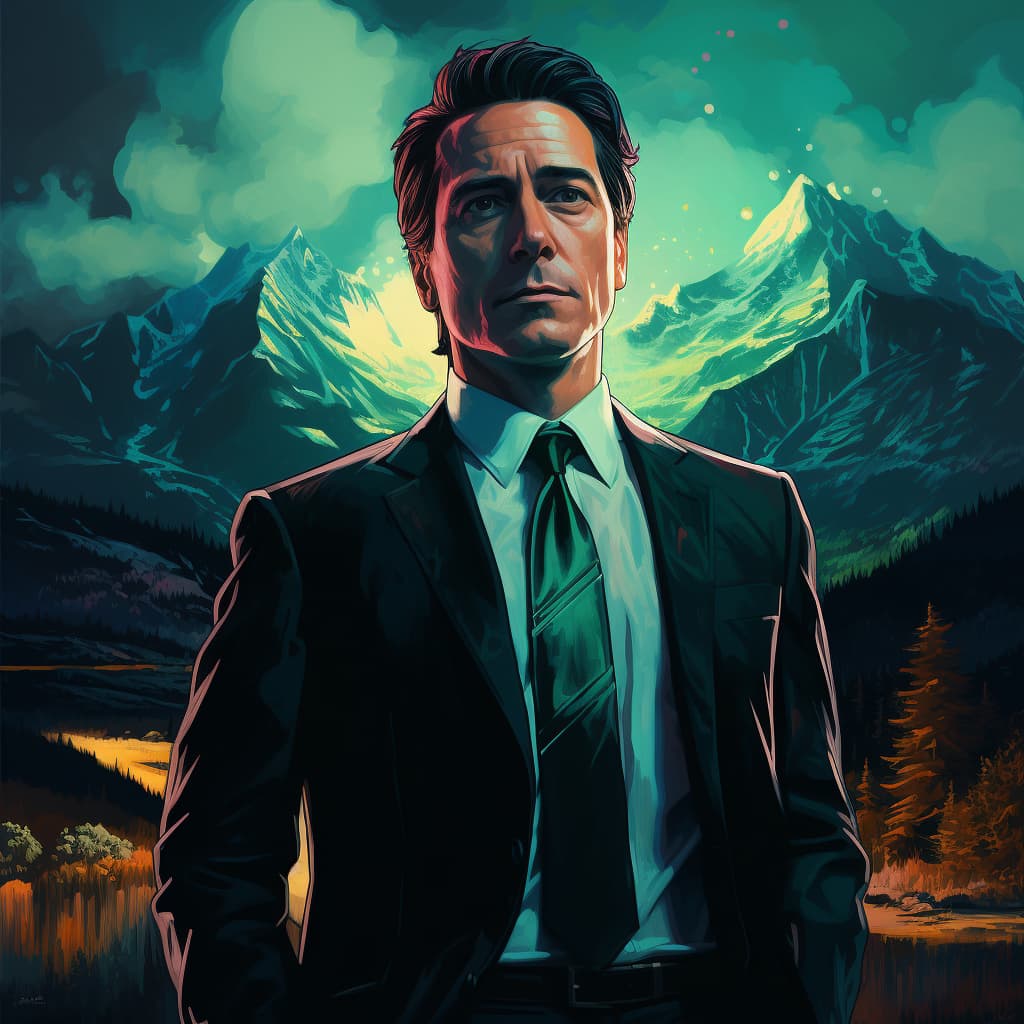
Ian’s dad was a challenge in different ways. The age was easy (men are allowed to be forty or older), but the pose was boring. I had a brilliant idea to put him in a car, after all there’s a scene like that.
Oh, man. AI cannot handle that prompt just yet. Maybe we’ll have to wait another year before that improvement is made.
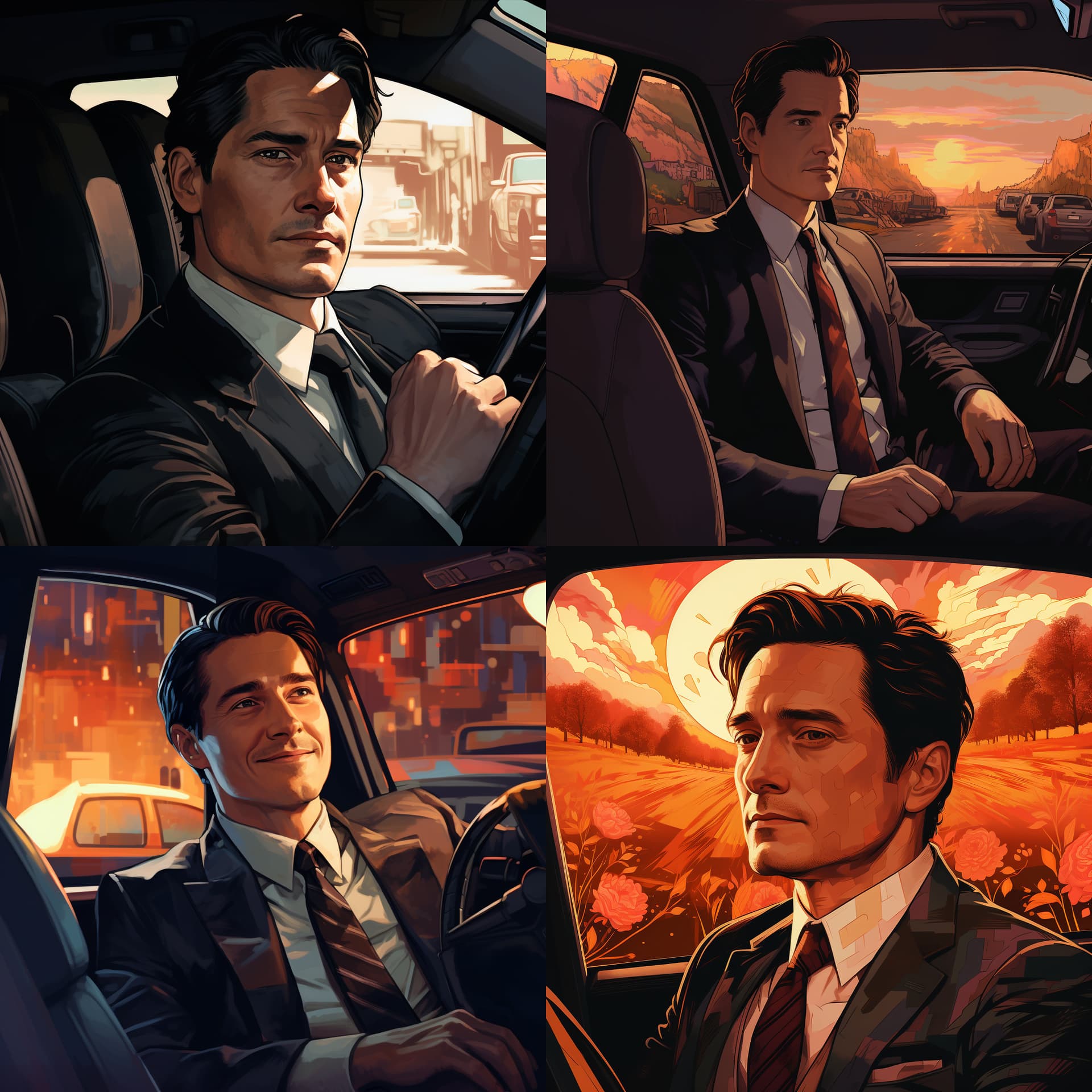
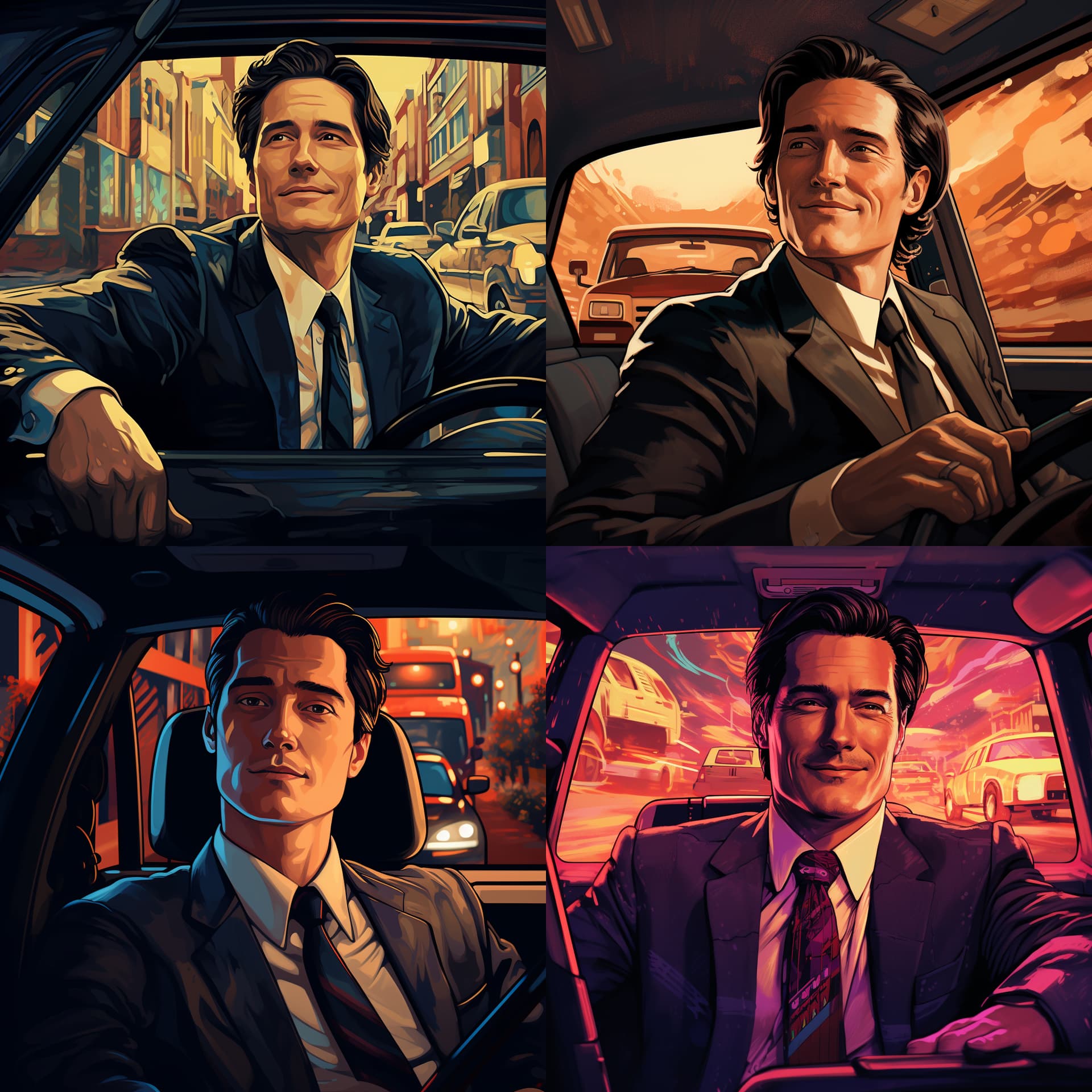
I tried some in front of a car but didn’t like them enough.
I don’t know if I’m going to settle for this one or try again later but I’m getting frustrated enough to throw in the towel. This one is the best I’ve got so far.
Meet Logan Donovan (Ian’s dad).
2 Likes
Of the 2 females: they look amost like the same person 19 years apart, and yes the 2nd one can be “approaching 40”.
2 Likes
Ever since I learned that there will be an opportunity to monetize on Campfire, I’ve been looking into what I’m going to do about all this awesome AI art that I can’t use in my project if it’s to qualify for monetization.
It’s a shame I can’t share it with the readers on the platform. I have so much amazing stuff. But well, money wins.
I suppose I can still share maybe on social media or my blog.
I should be writing all this stuff on my blog, not here, but at least here, people sometimes respond.
Sigh.
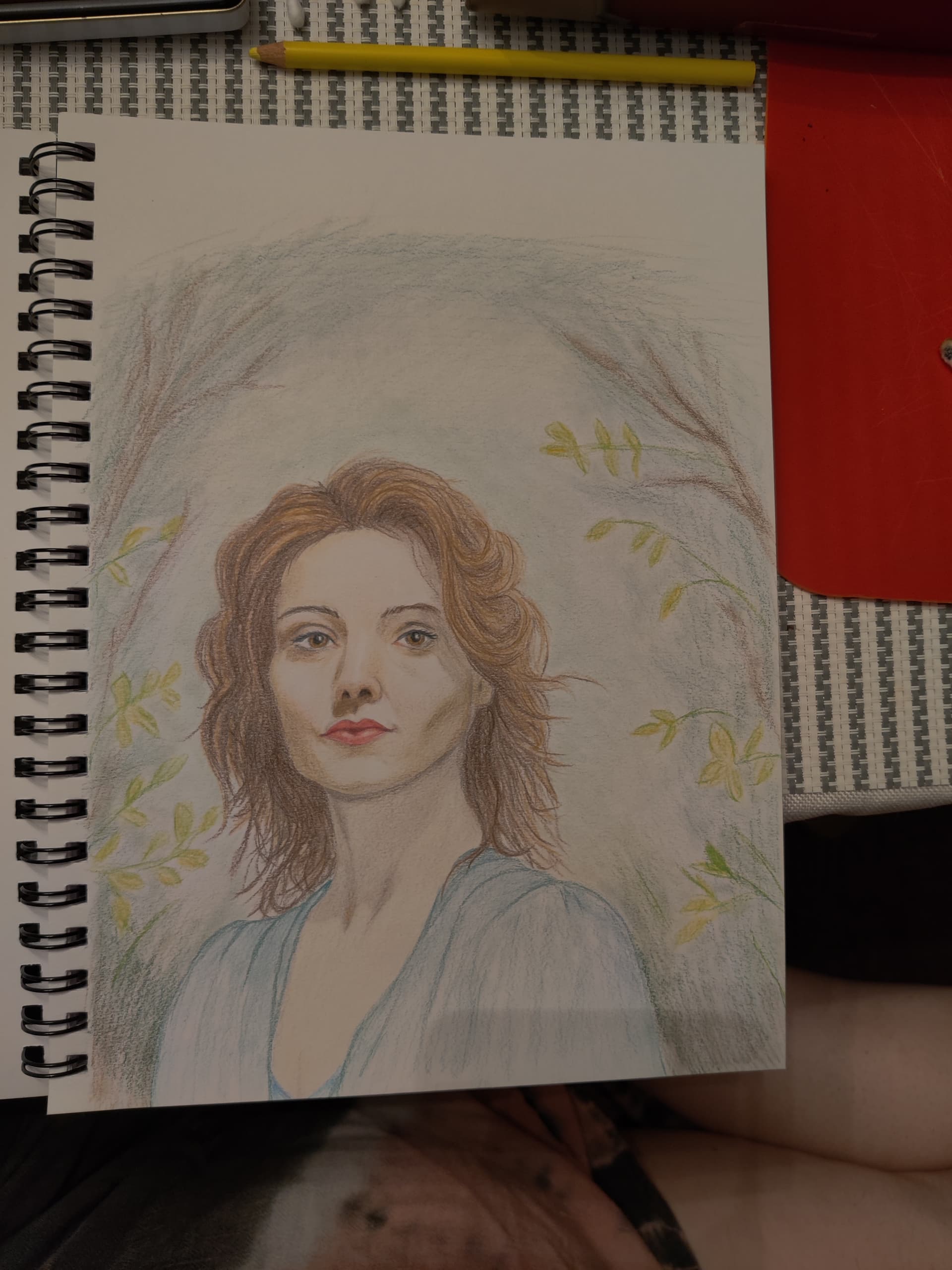
Anyway, so all of this inspired me to try my hand at drawing again and I tried to draw my AI favorites.
I think I’m getting better. Nowhere close to what I can do with AI but it is what it is.
So here’s the image above as drawn by me in pencil. (Ignore the messed up nose shadow.)
2 Likes
I’ve been experimenting with larger base image resolutions for SD prompts. The results are encouraging. I tend to get ill-formed or double-exposed images when the initial size is above 1000x1000. An improvement over the previous (perceived) quality limit of 700x700. Maybe by this time next year SD can produce base images near 2K quality. Increasing image DPI (150 or 300) would also be nice.
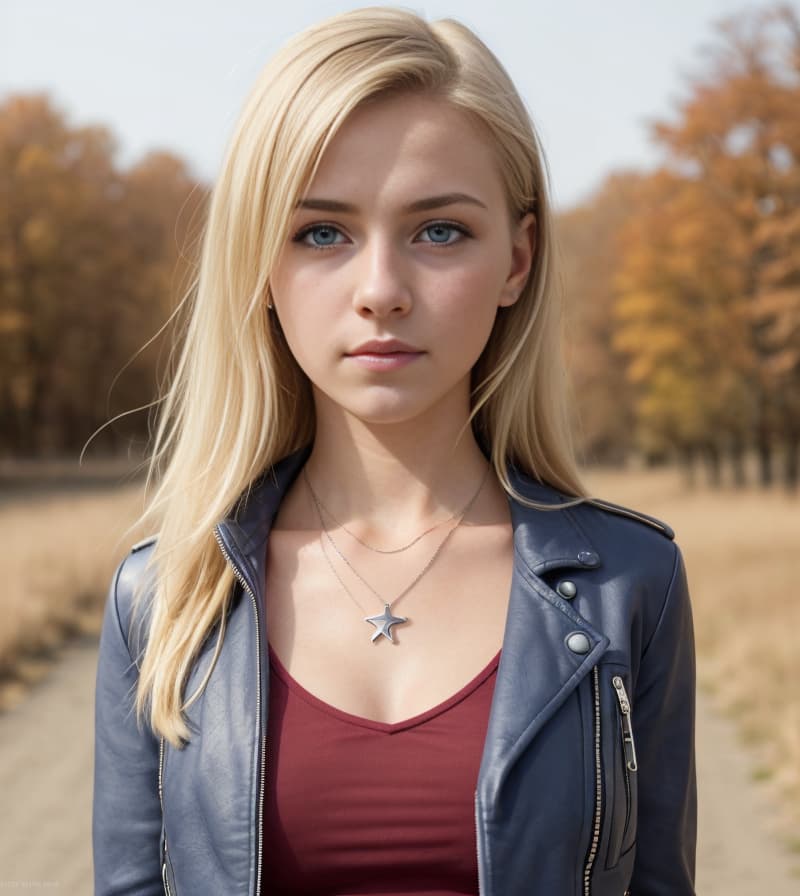
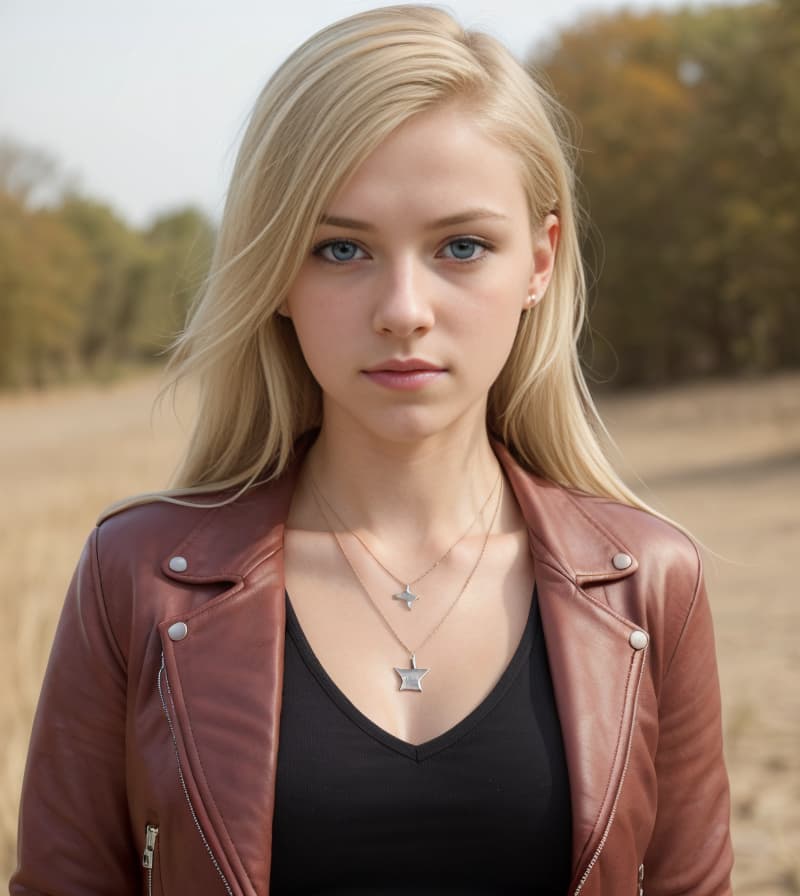
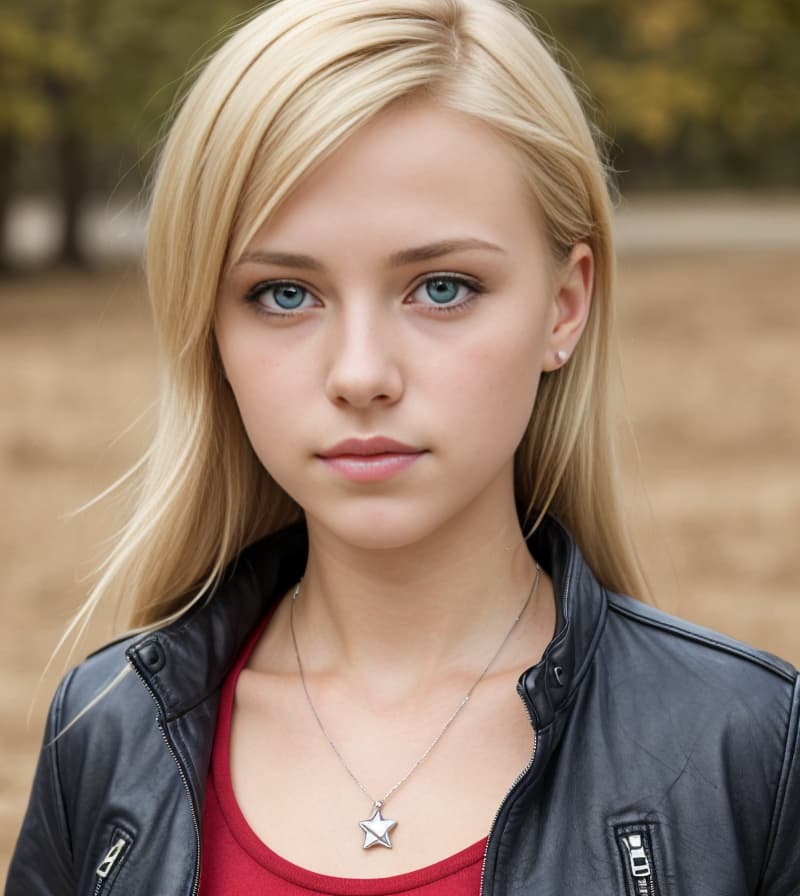
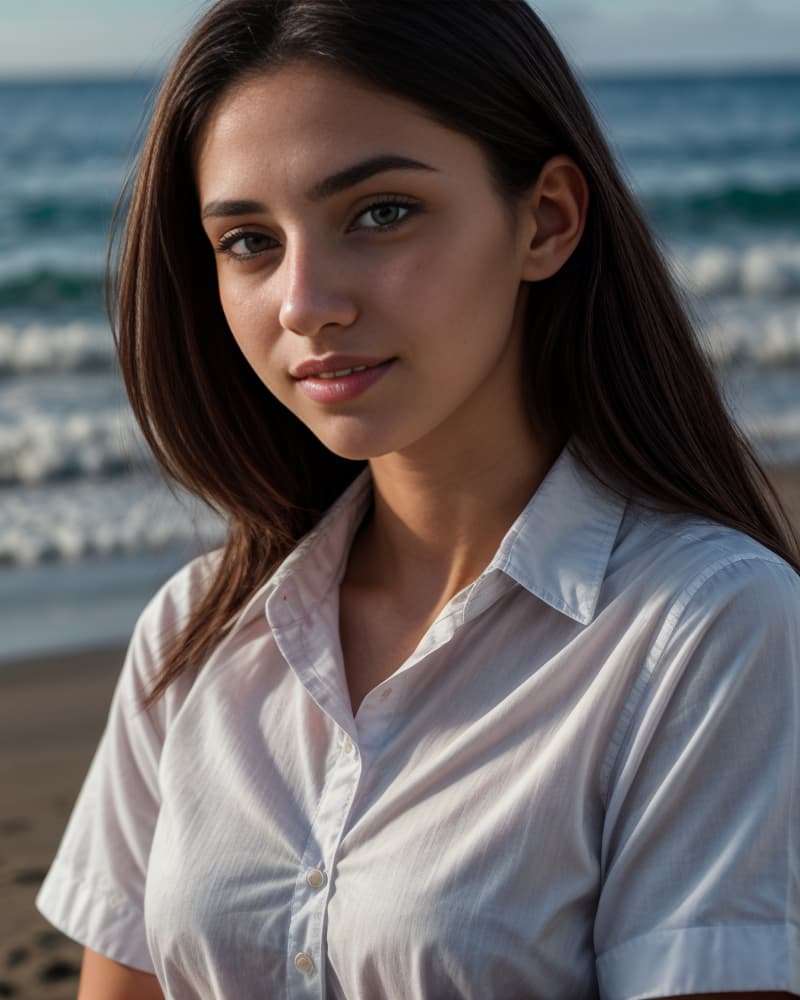

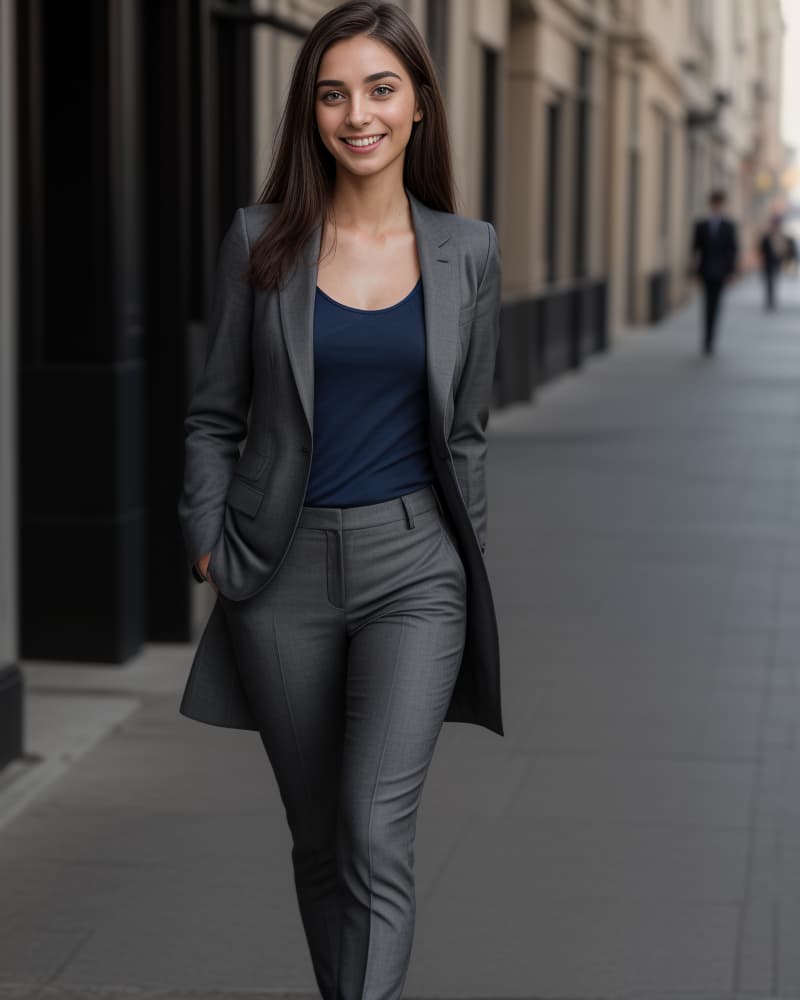
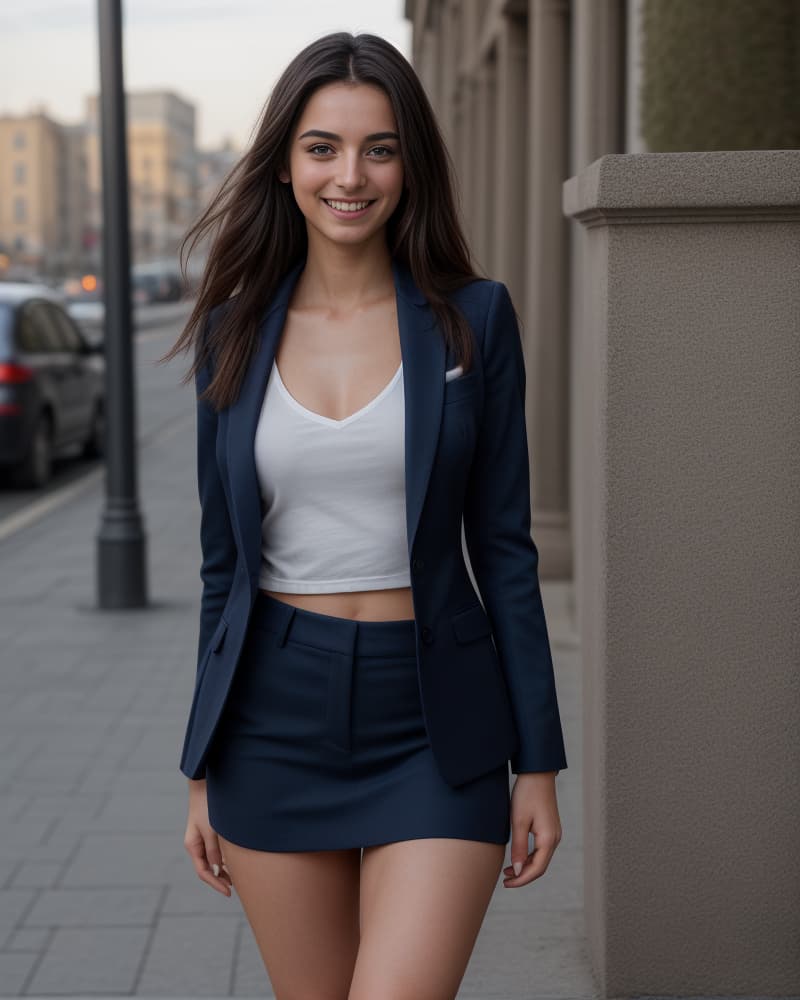
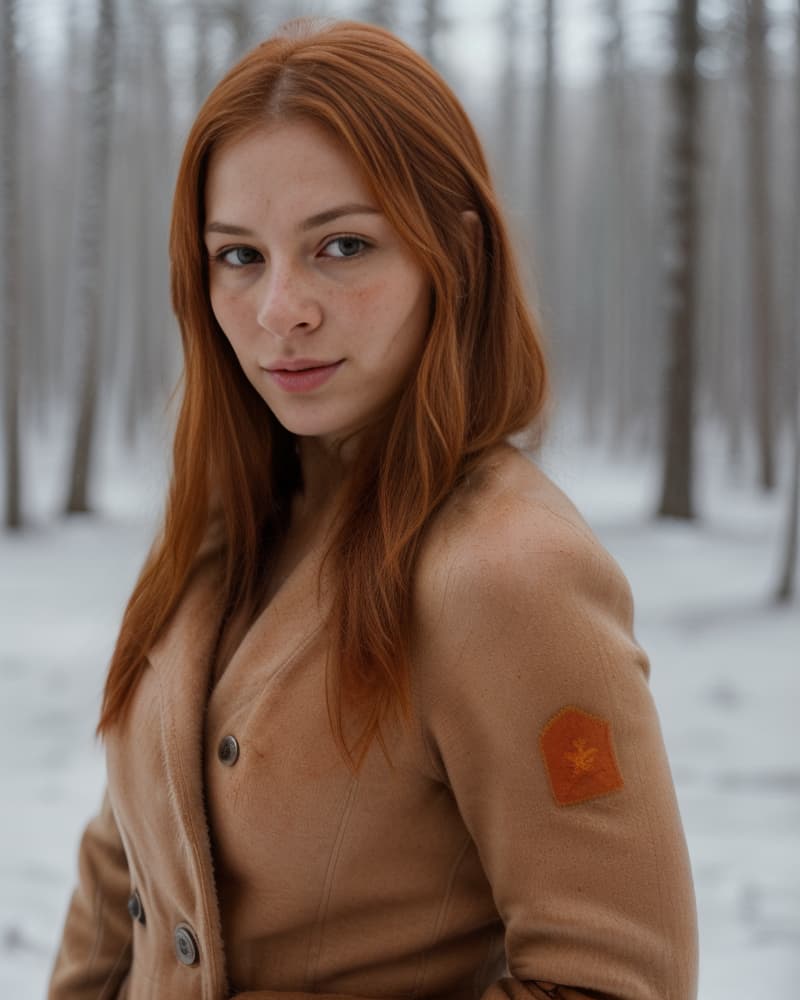
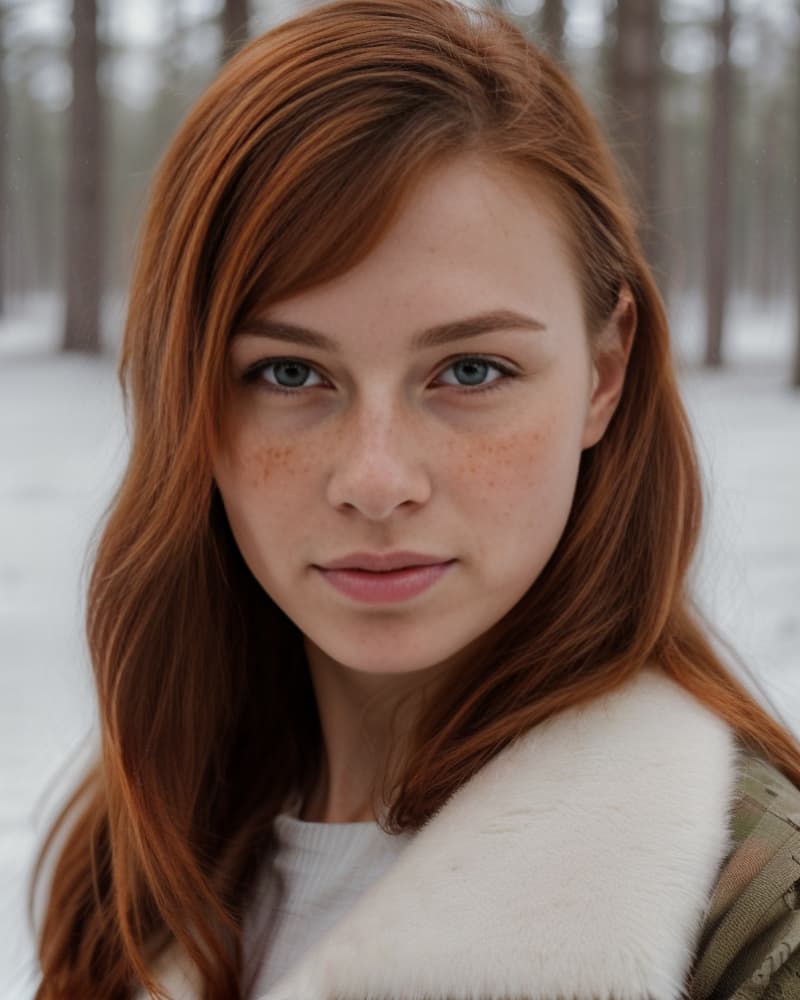
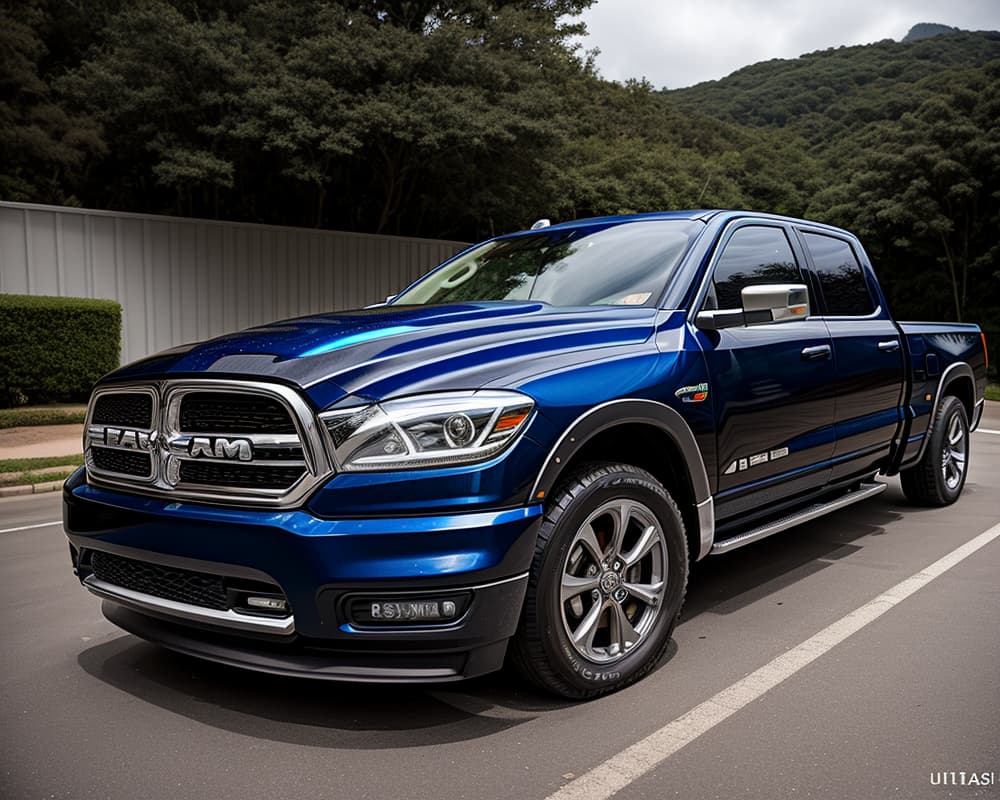
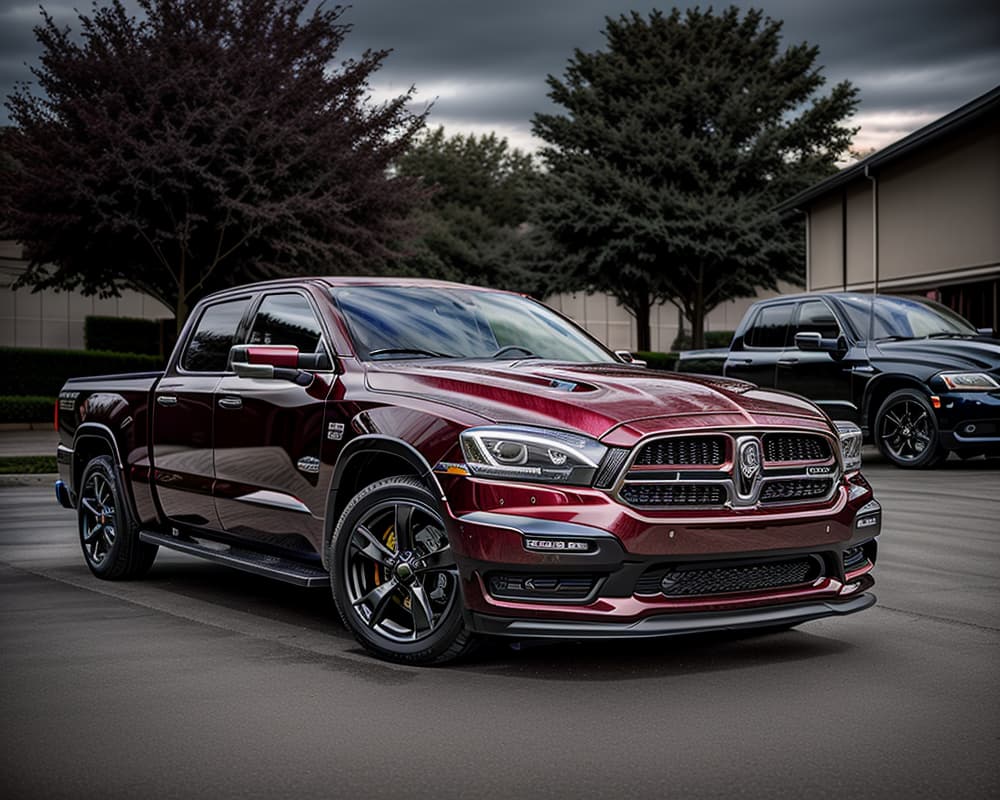

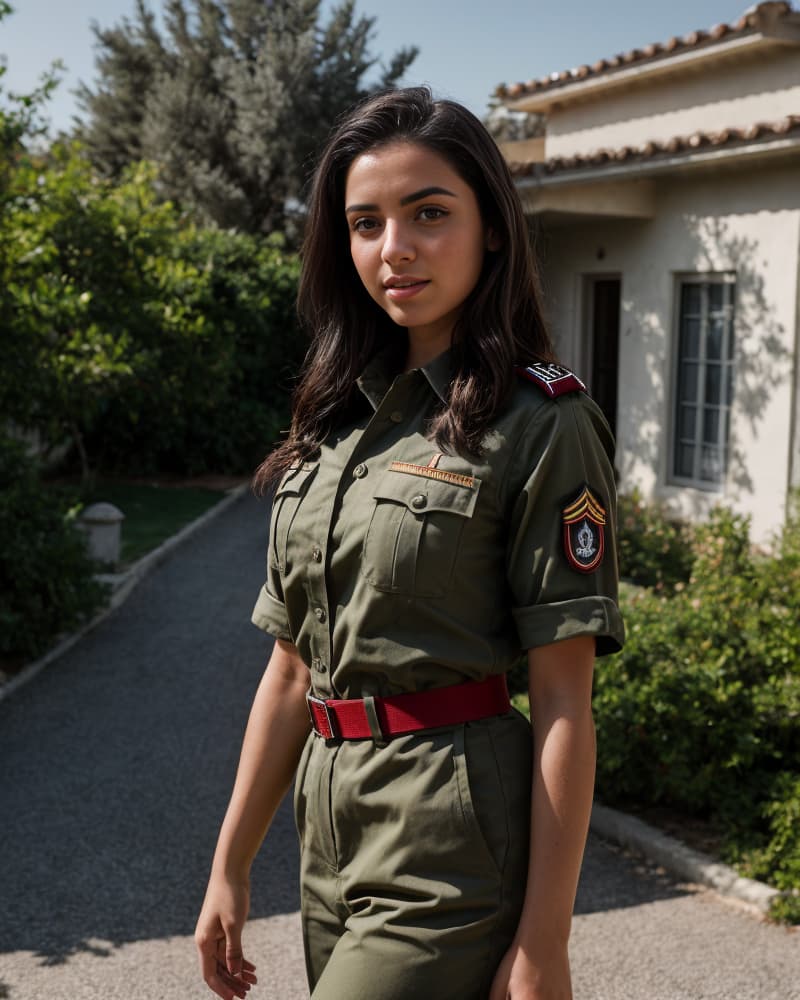
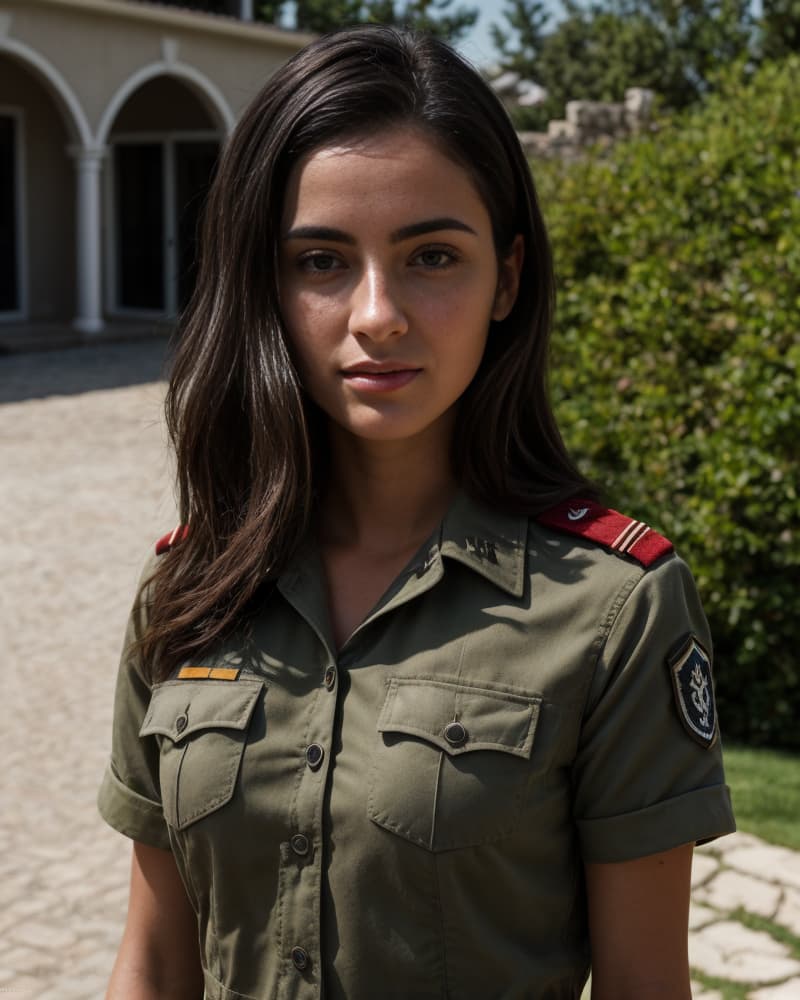

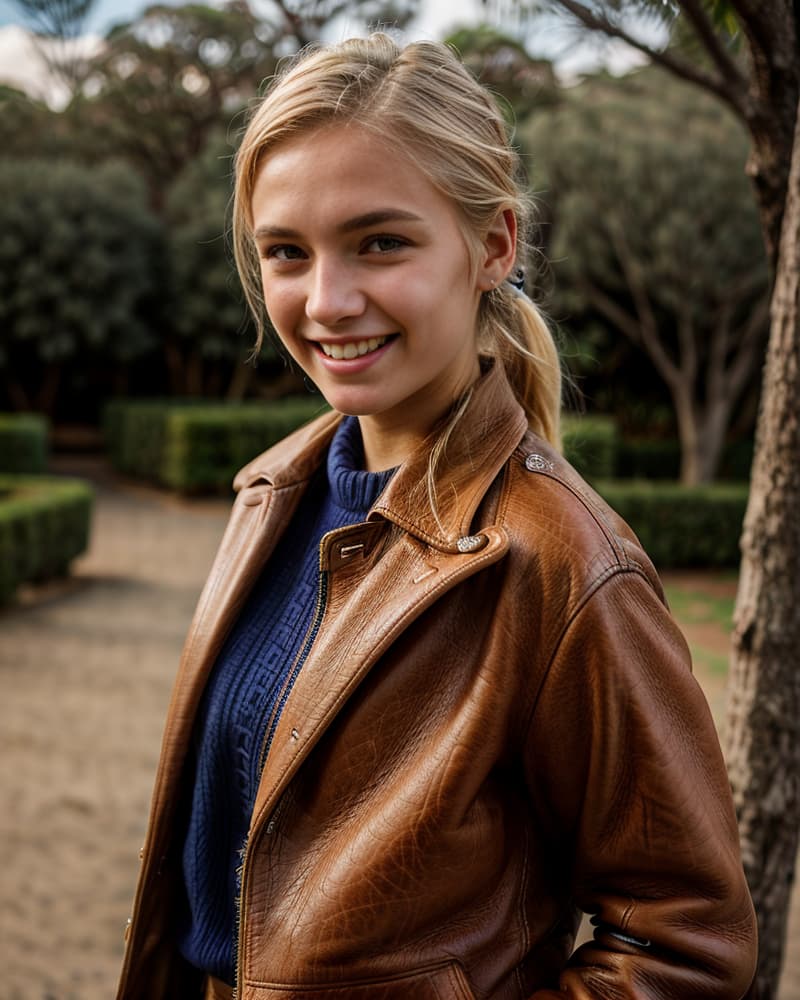
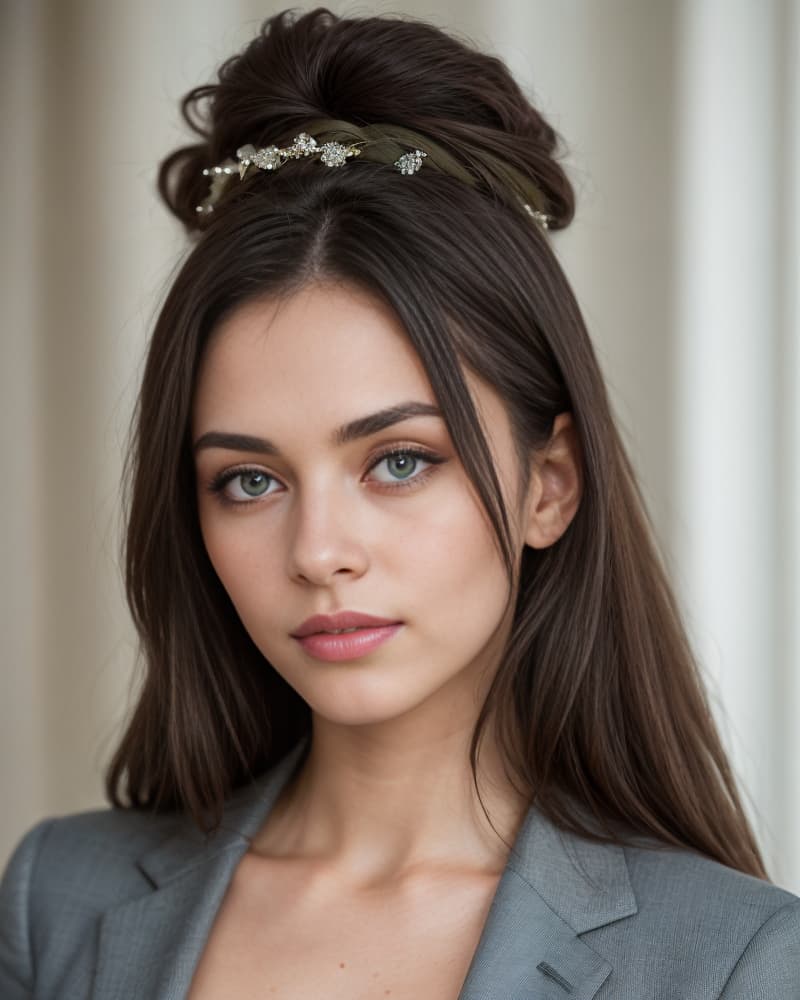
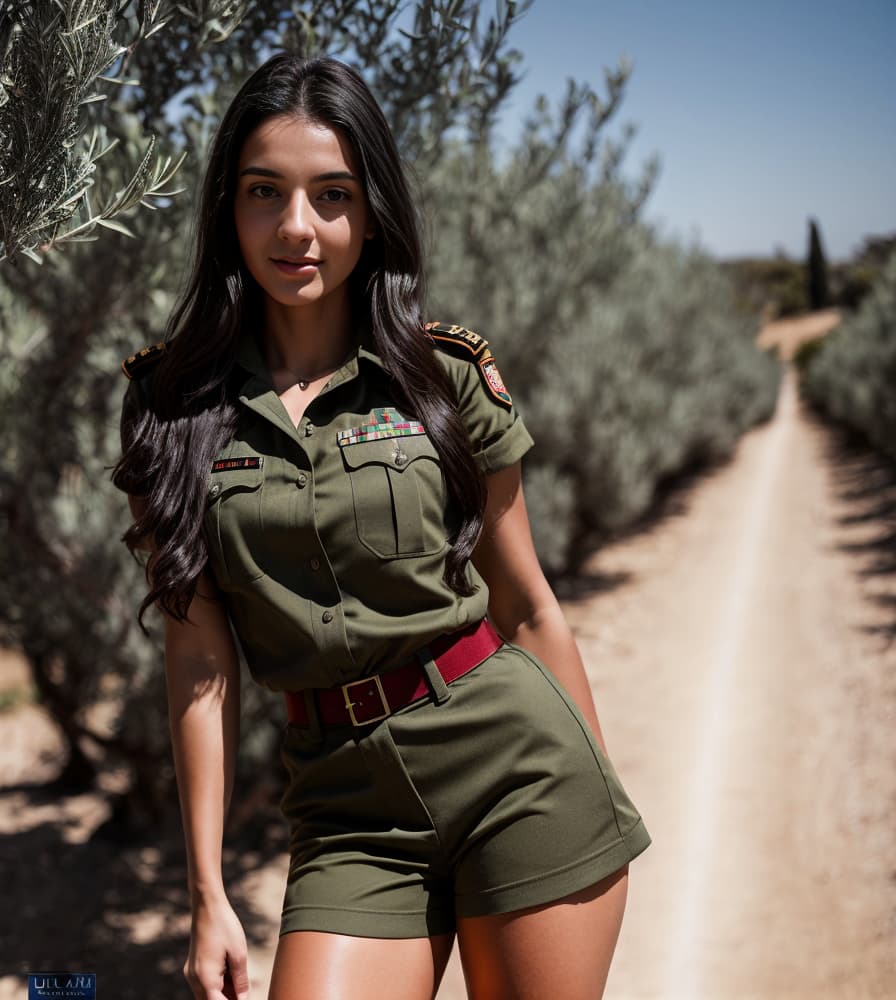
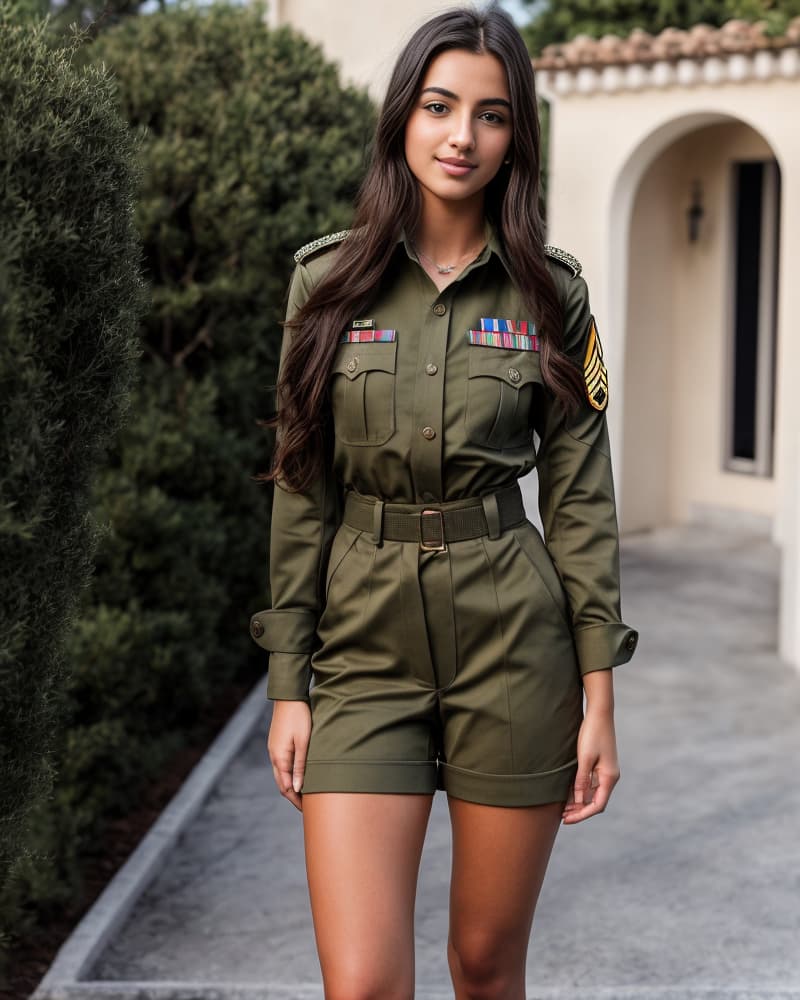
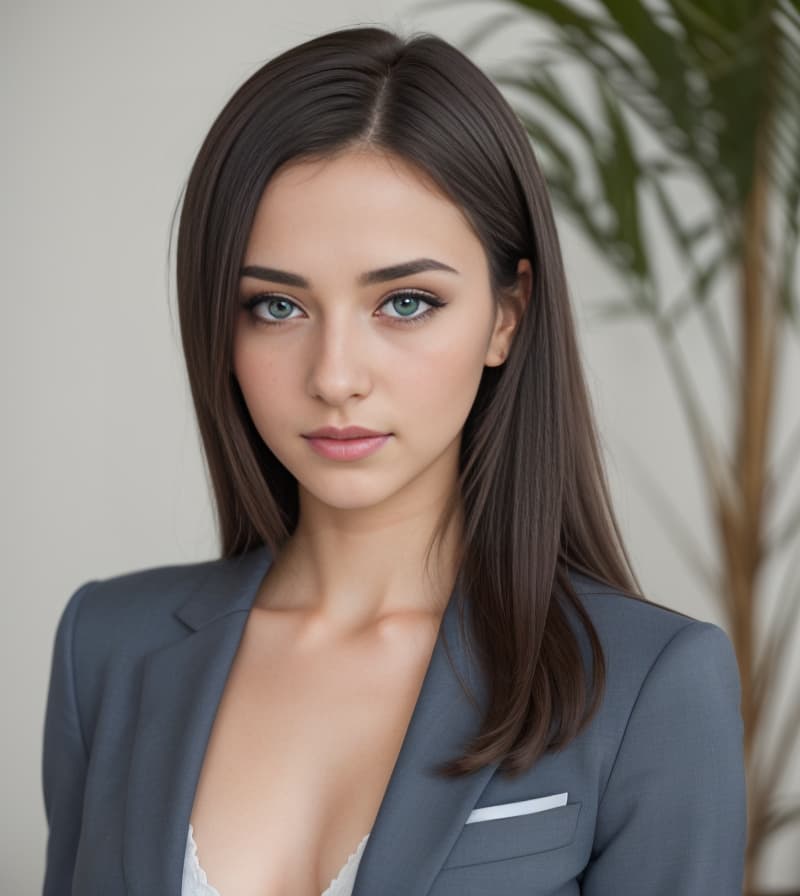
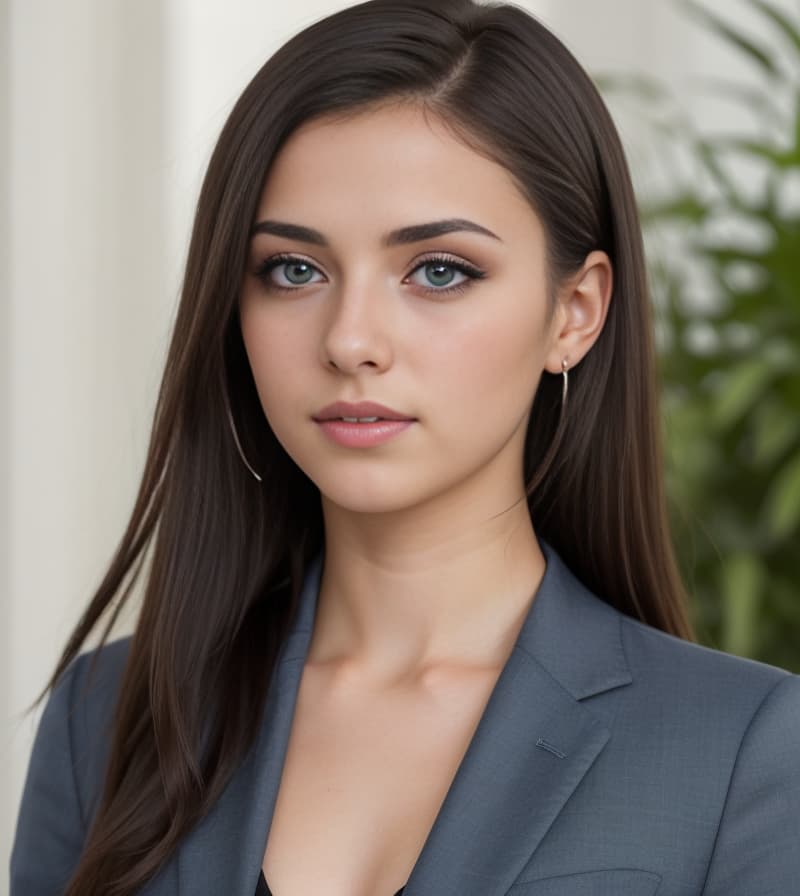

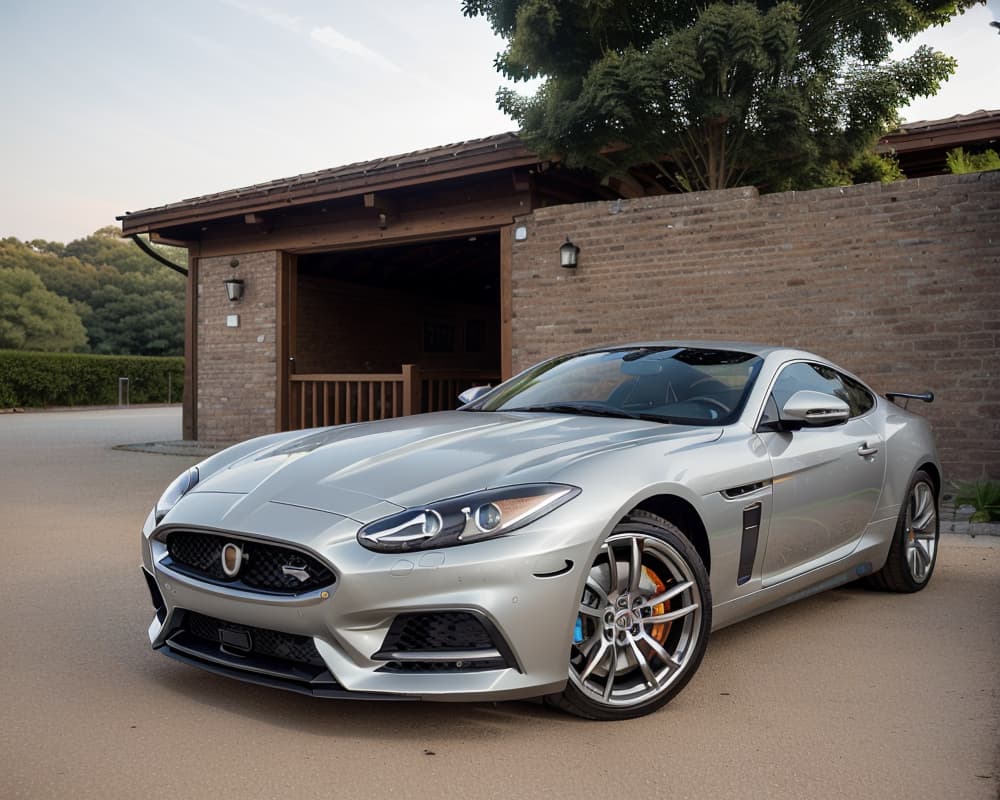
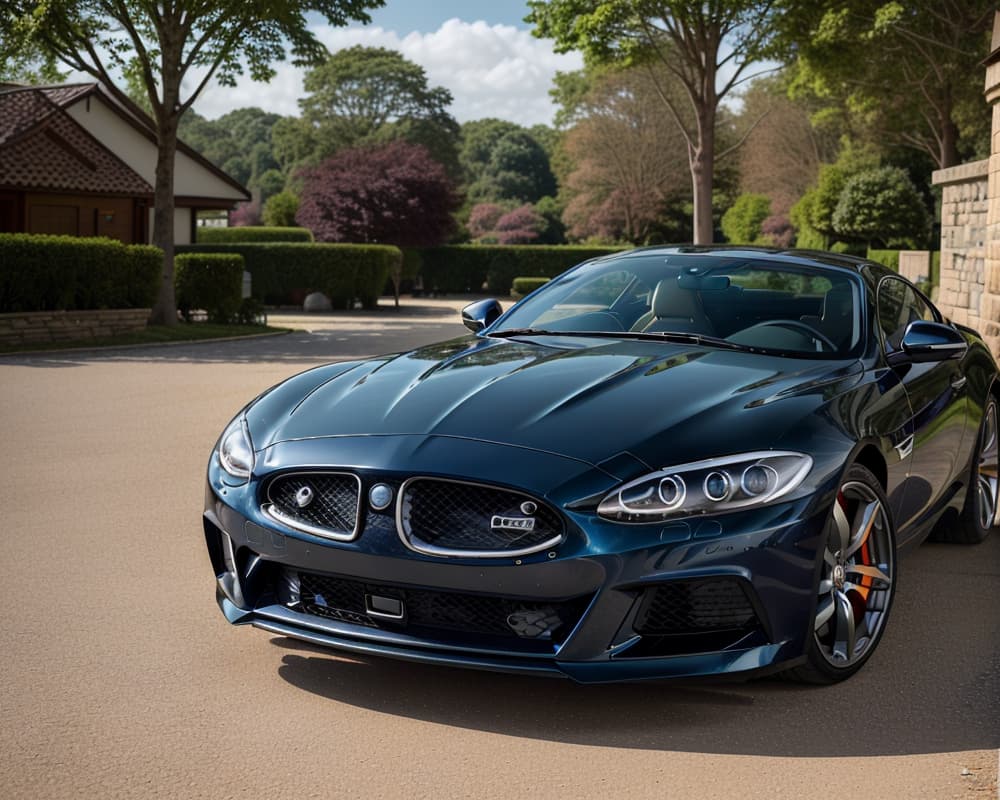
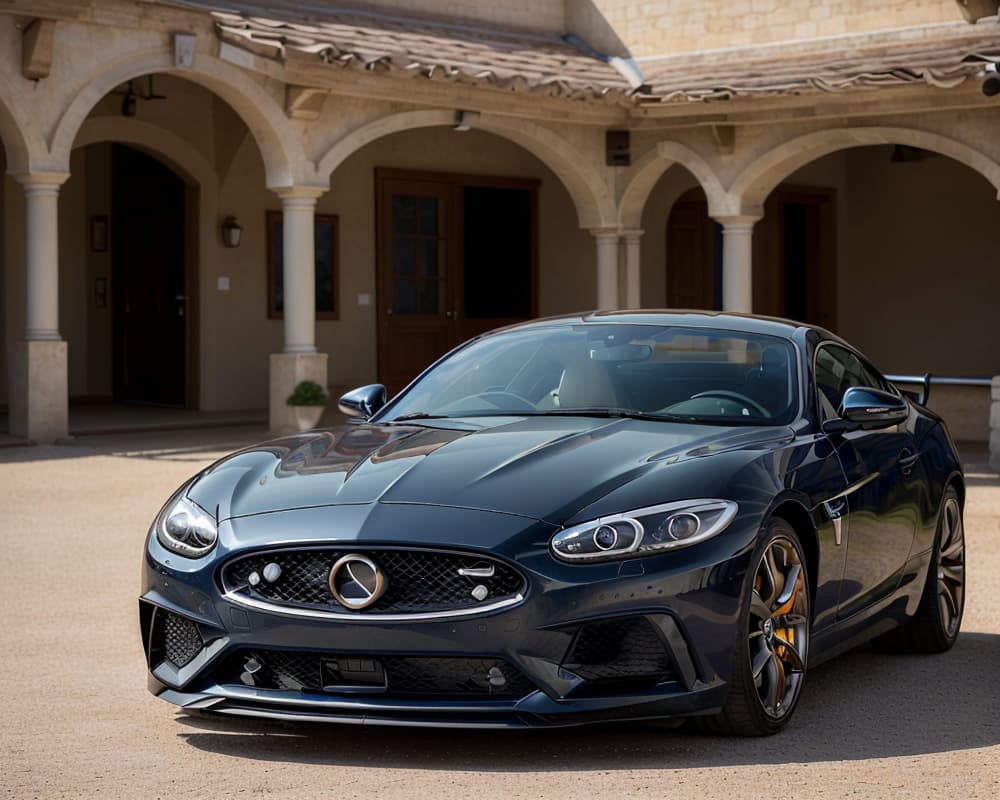
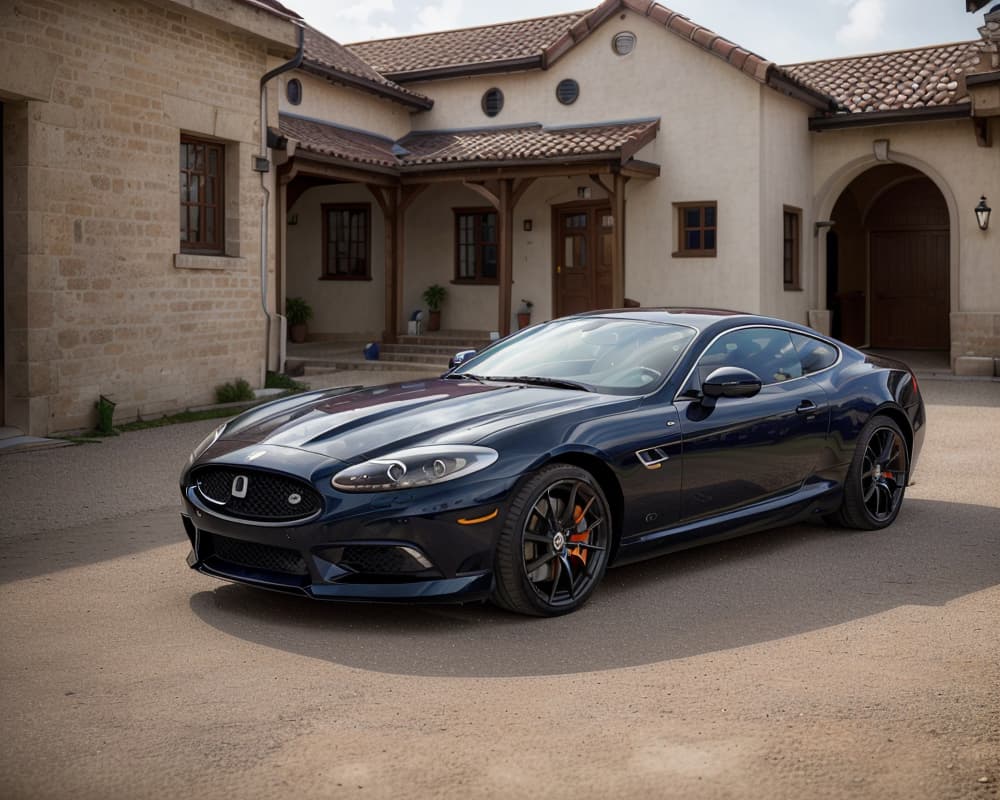
I’m beginning to think I recently wasted a lot of cash on Daz-3D assets. A larger graphics card, or more traveling gear, would have been a better investment.
1 Like
I checked out Runway gen2 video maker.
You can make a short video out of a prompt or image+prompt.
They have a free trial but they also let you have a sneak peek at the render before the video is created so you can avoid wasting credits on a dud.
Their censorship is extreme. Cannot mention any keywords that would suggest that the person is a minor. Makes me worry if they had an incident that prompted them to implement that or if they did it just because.
Anyway, I was able to feed it one of my Merlin images. Without mentioning age, it worked.
I tried that with another character but I guess it could tell it was a child from the image alone.
Anyway, here’s Merlin. If they improve the render, it would be really cool. But in any case, it’s pretty fun. I just wish that there was a sign of life, a facial expression changing or something. Maybe I have to add it to the prompt?
I tried a few other prompts but results were poor. They’ve got work to do before this is good enough to pay for.
I didn’t check any of their other tools yet. I don’t want to waste the free credits just in case if I have luck with other video attempts.
2 Likes
What great timing…
I haven’t tried SDXL in the Automatic 1111 Web UI yet, but that could be a project for today…Hi-Ho, Hi-Ho, a prompting we shall go…*
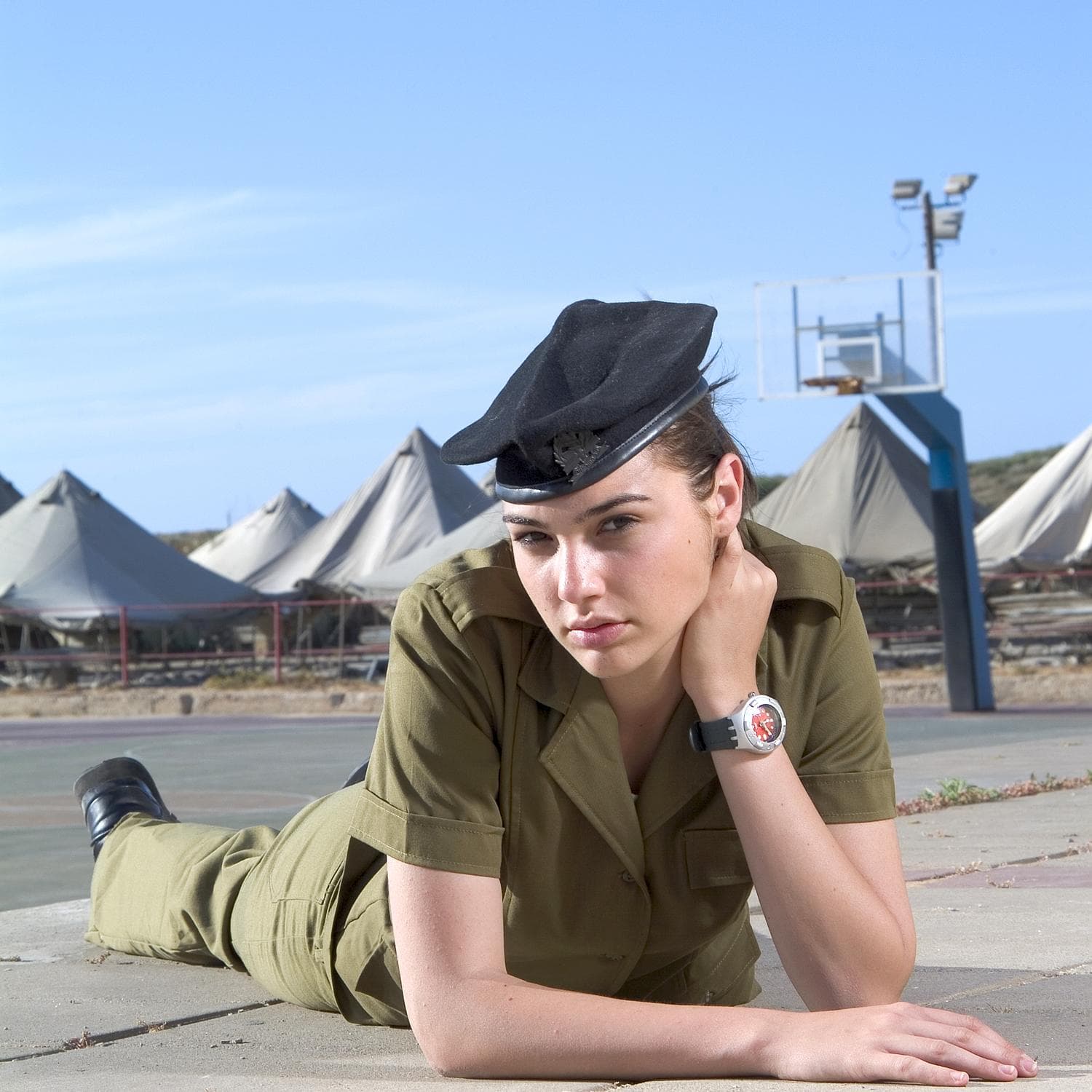
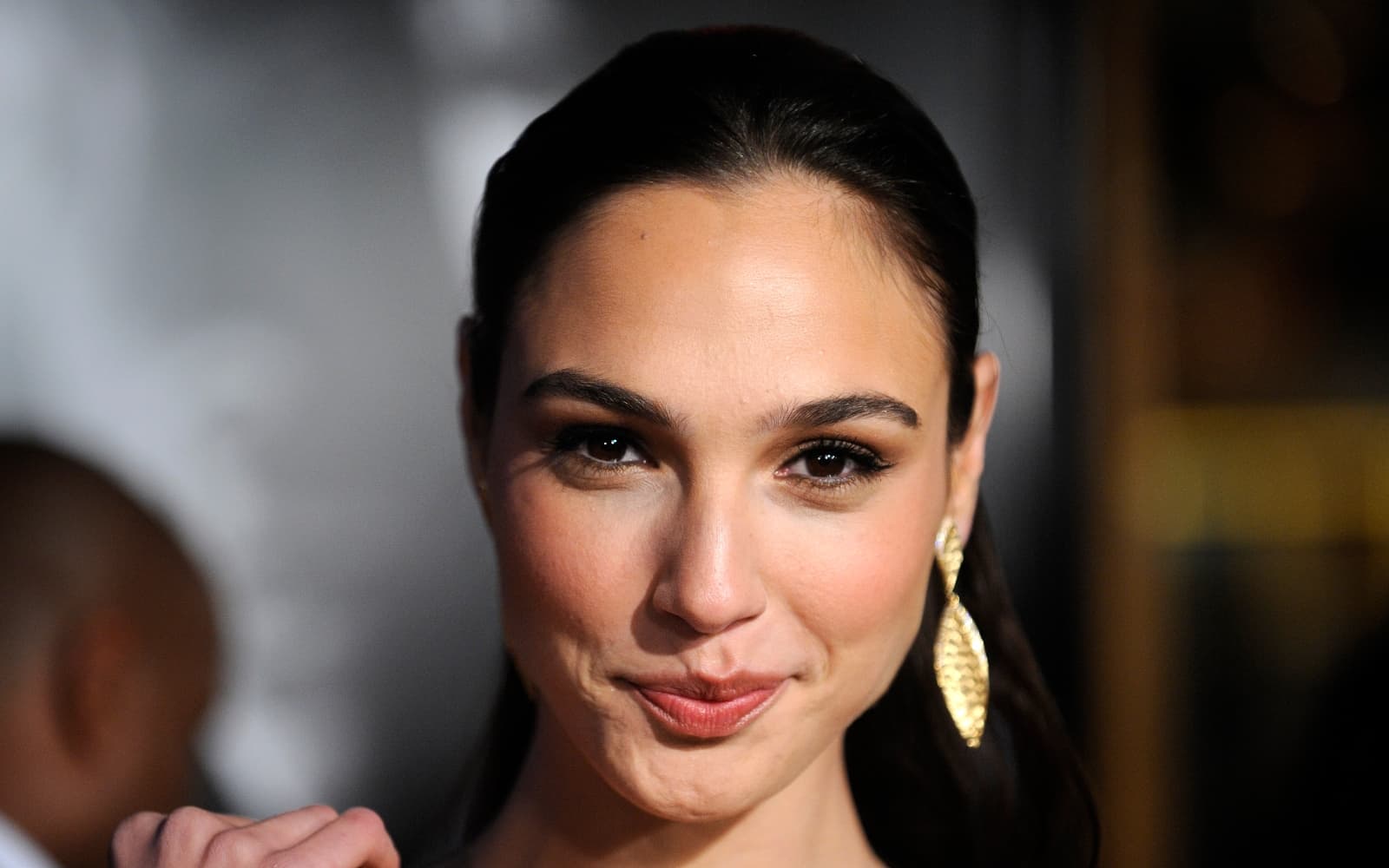

2 Likes