Lesson #3

Summary
So, the watermark was pretty simple, as it was like creating a brush. However, I was confused on how to make the brushes. Like, how do people on DeviantArt make those brushes uses PNGs?
Lesson #3
So, the watermark was pretty simple, as it was like creating a brush. However, I was confused on how to make the brushes. Like, how do people on DeviantArt make those brushes uses PNGs?
Ooo thank you so much!!
Here’s mine! I made a colour version and a b/w version


open them in a new tab for full size
I forgot to mention yesterday but I made a livestream thread on here! When I livestream I talk about everything I’m doing when I make requests for my customers. The chat is a fun place to hang out in and you can ask questions if you like =) Going to try again around 3PM MT if anyone wants to join =)
https://forum.wackywriters.com/t/livestream-chill-chat-making-covers-and-maybe-other-graphics/

it keeps saying this when I try to upload the image?
Are you using the right upload button and/or did you save it as the right file
it worked!
Going to try to record today after my livestream <3
My Thoughts
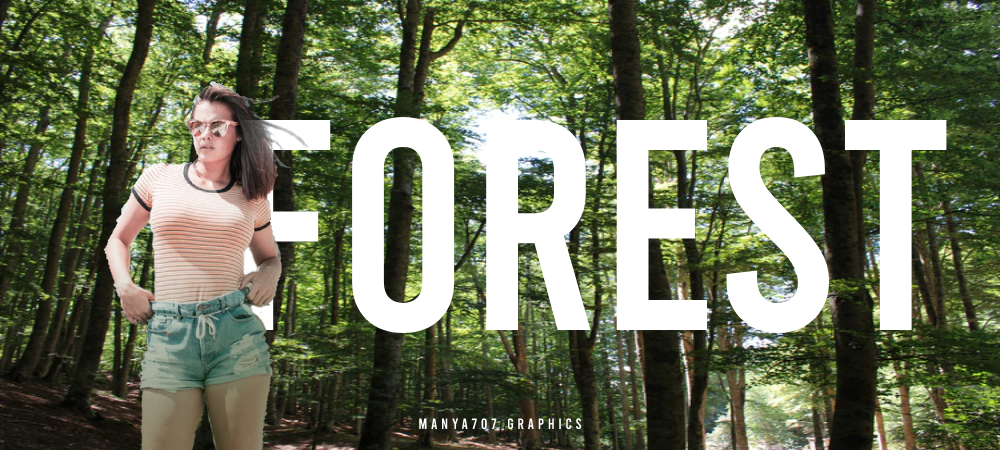
This was easy enough! I used Ibis Paint for this and did it on my phone. Getting some inspiration from Canva, I did this! Really happy with the results!
Sorry guys I wasnt able to record on Friday but will be recording tomorrow =) What do you guys want to see?
Layer masking, possibly?
https://www.youtube.com/watch?v=Aj_flpQyJN0
Lesson 4 - Changing colors and using masks!
Assignment - Use the technines in the video to change the color (makeup/hair) on someone or change eye color. Doesn’t have to be a wattpad graphic, you can just provide the regular. Provide both regular and edited version when turning in =)
Due date - 3 days after you watch the video (honestly I’m not super strict with due dates - just turn them in when you can - if you need more time just let me know)
Lesson 4
I was already working on a thing like that… except, I didn’t do half of what you did in the video. I took the easy way lmao. (I don’t really like mine because it looks sloppy. I’ll probably try again tomorrow. Layer masking is kind of hard lol)
Grading again tomorrow! I think probably 1 & 2 should be all handed in by now unless you’re new or asked for more time =) I’ll grade any lesson though between this (new) and the last grading post
Please don’t click the drop downs on the other students grades - to respect their privacy - unless they allow it.
Sorry for the delay guys!
9/10 - Good Work!
Tips to improve! Font colors blends in a little too much with the background - If you want to use the duo color gradient (although it may have be a difference blend), maybe switch the dark vs light to be opposite of the background colors so it has more contrast in the colors. Cut out and all placements are very nice!


9/10 - Great Job! - The cut out and pictures are great. Colors match very well. Font placement seems a little random though. We’ll go over placements more in detail in future lessons =)
10/10 - Awesome! - Very creative, love it =)
9/10 - Great Job! - Great font placement and background. The picture of the girl though looks a little over expose with highlights though - I’m not sure if it’s the image or if you added highlights. But don’t worry, I have lessons in mind to help fix colors and highlights/shadows =)
10/10 - Great Job! - Love the gradient!
9/10 - Good Job! - So I do see a color change, but I’m not sure if there’s singular targets (like lips/eyes)
10/10 - Amazing! - Looks great, love it!
10/10 - Great Job! - Looks great (I don’t really like coloring hair either haha)
9/10 - Great Job! - Placement is great! Need a little more practice with cleaning up the edges but you’re doing great =)
10/10 - Great Job! - Awesome watermark! - Tip on the moon one (my opinion - not need) - Align the moon to the center point to make it all look centered. Looks great! Love the creative styles of each one =)
10/10 - Great Job! - Love the effect on your name!
10/10 - Great Job! - Looks great hun!